
Square ’em All
A puzzle game with no clock in it.
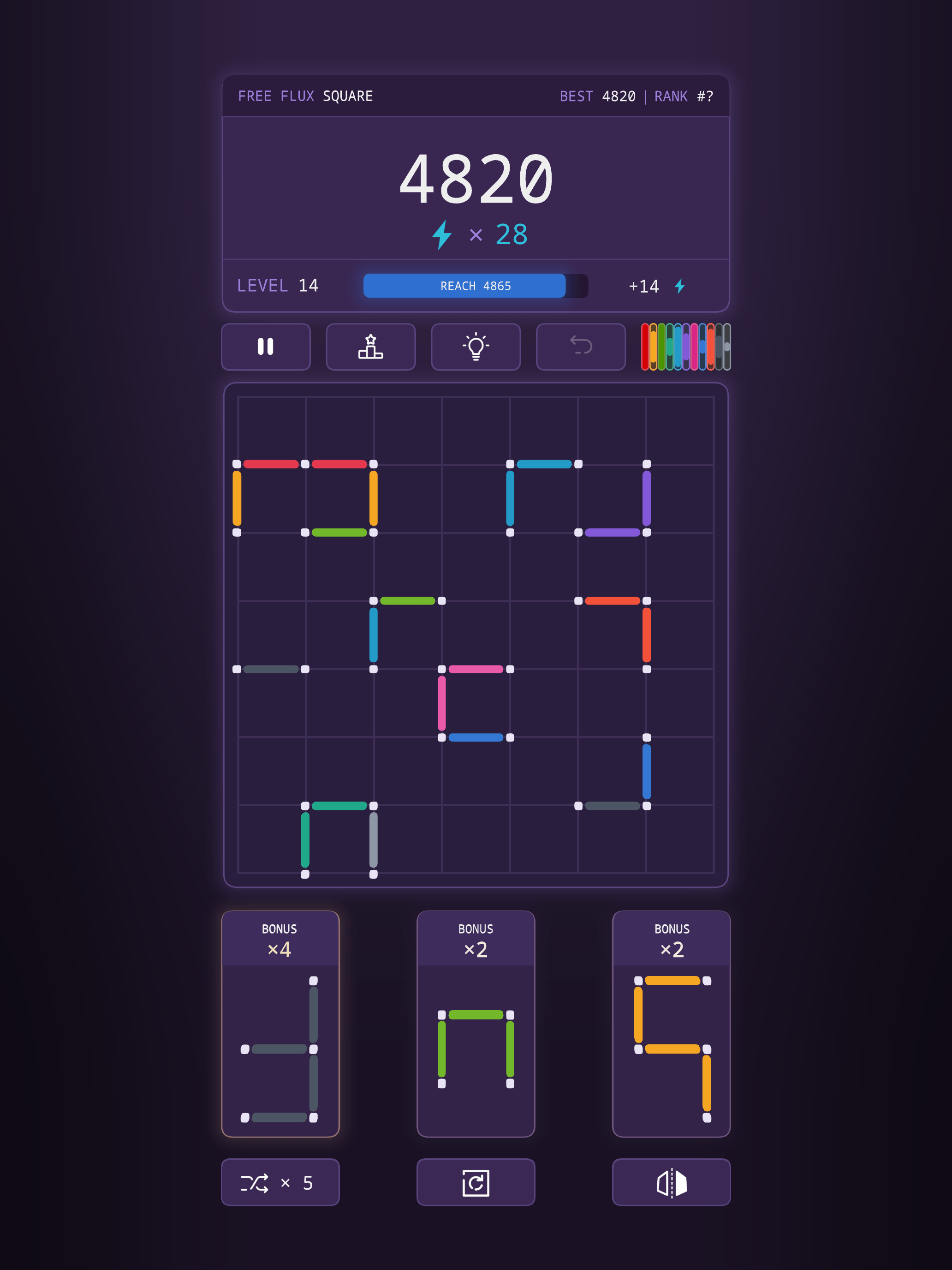
Drag shapes made of line segments onto a 7×7 grid. Close four edges around a cell and the square clears, giving the space back. That is the whole loop: close squares, score, keep the board alive. Nothing counts down while you decide.
Features
Three slots, three multipliers
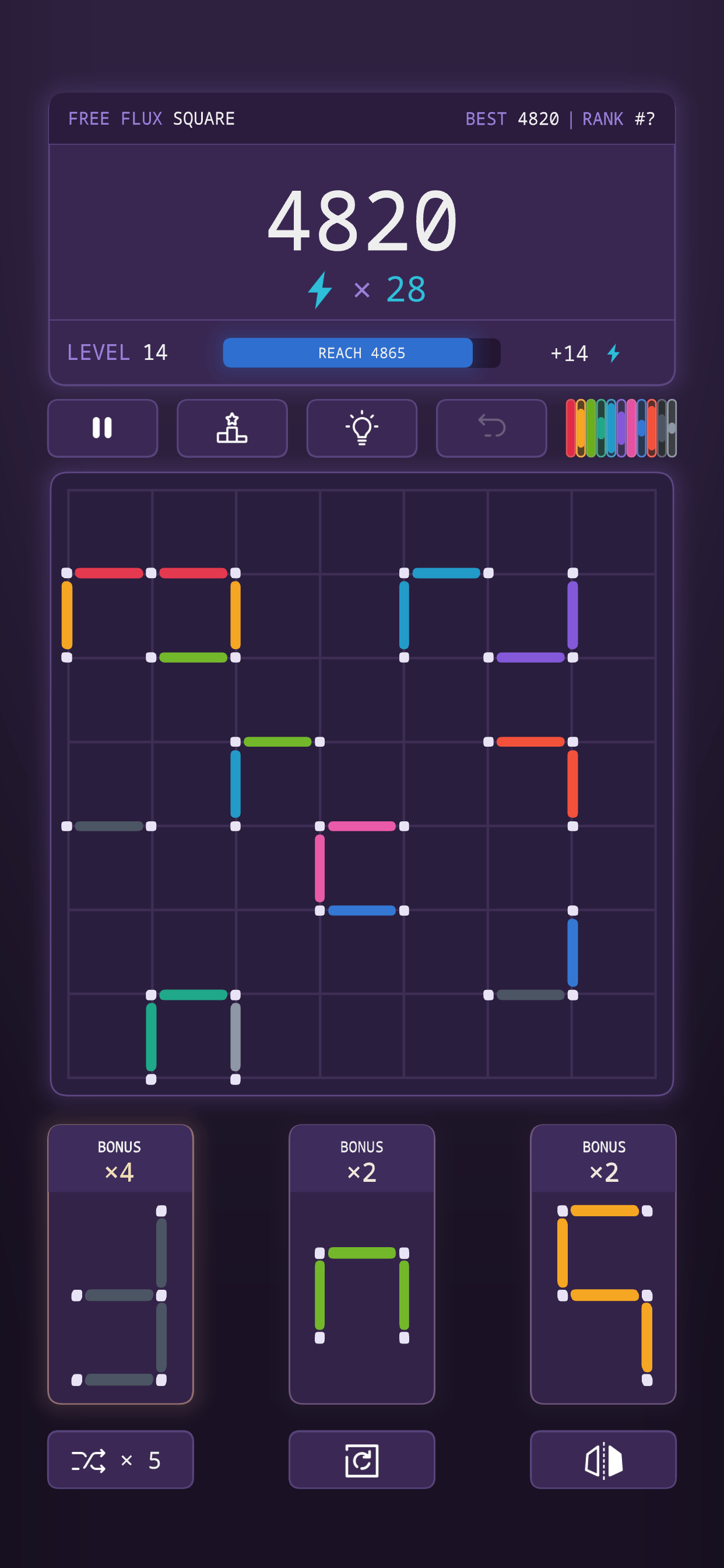
Drag a shape out of a slot and drop it on the grid. Each slot carries its own score multiplier, so which shape you spend and which you save is the decision the game is actually made of.
No timer, ever
Nothing counts down. There is no clock on a move and no clock on a game. The pressure is the move counter instead — and closing squares earns moves back, so playing well buys you more of it.
Close several at once
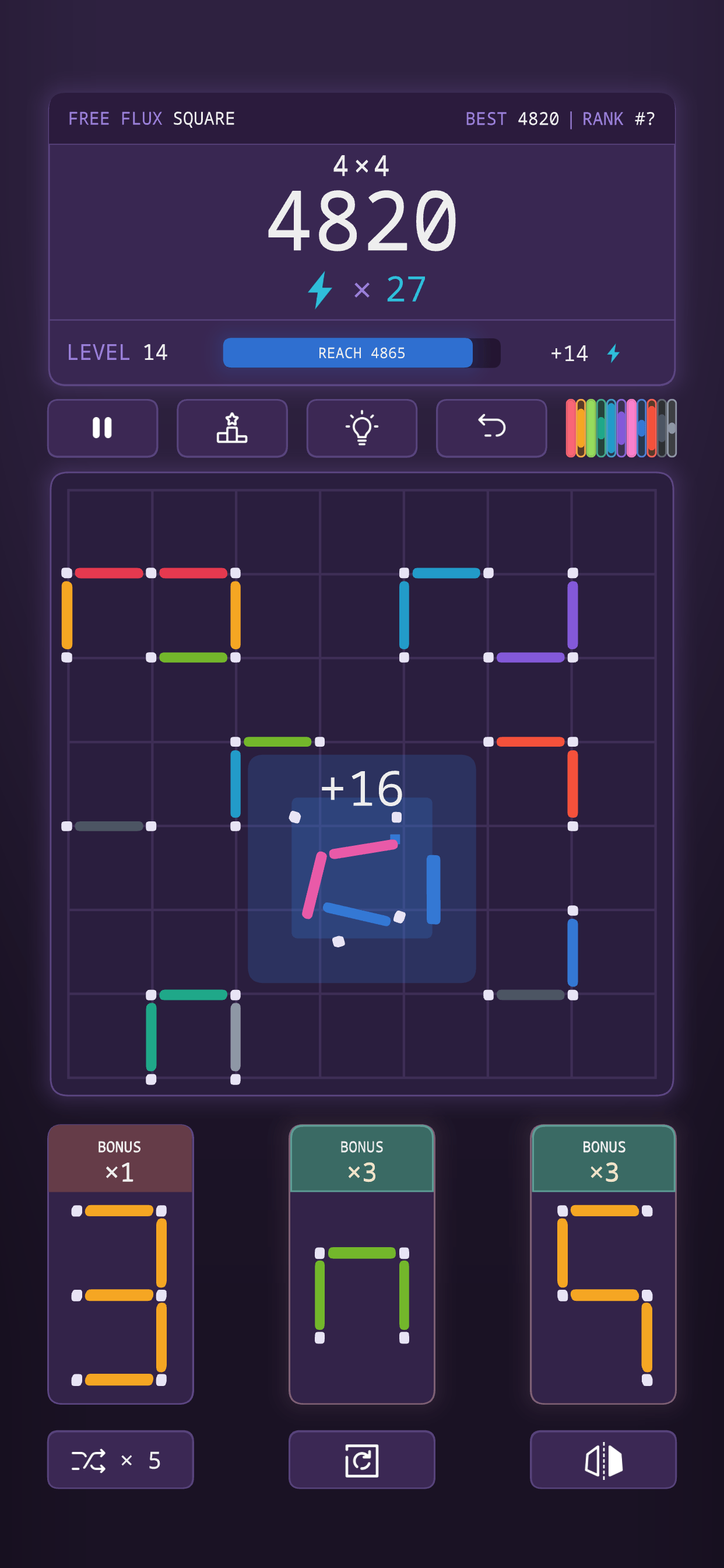
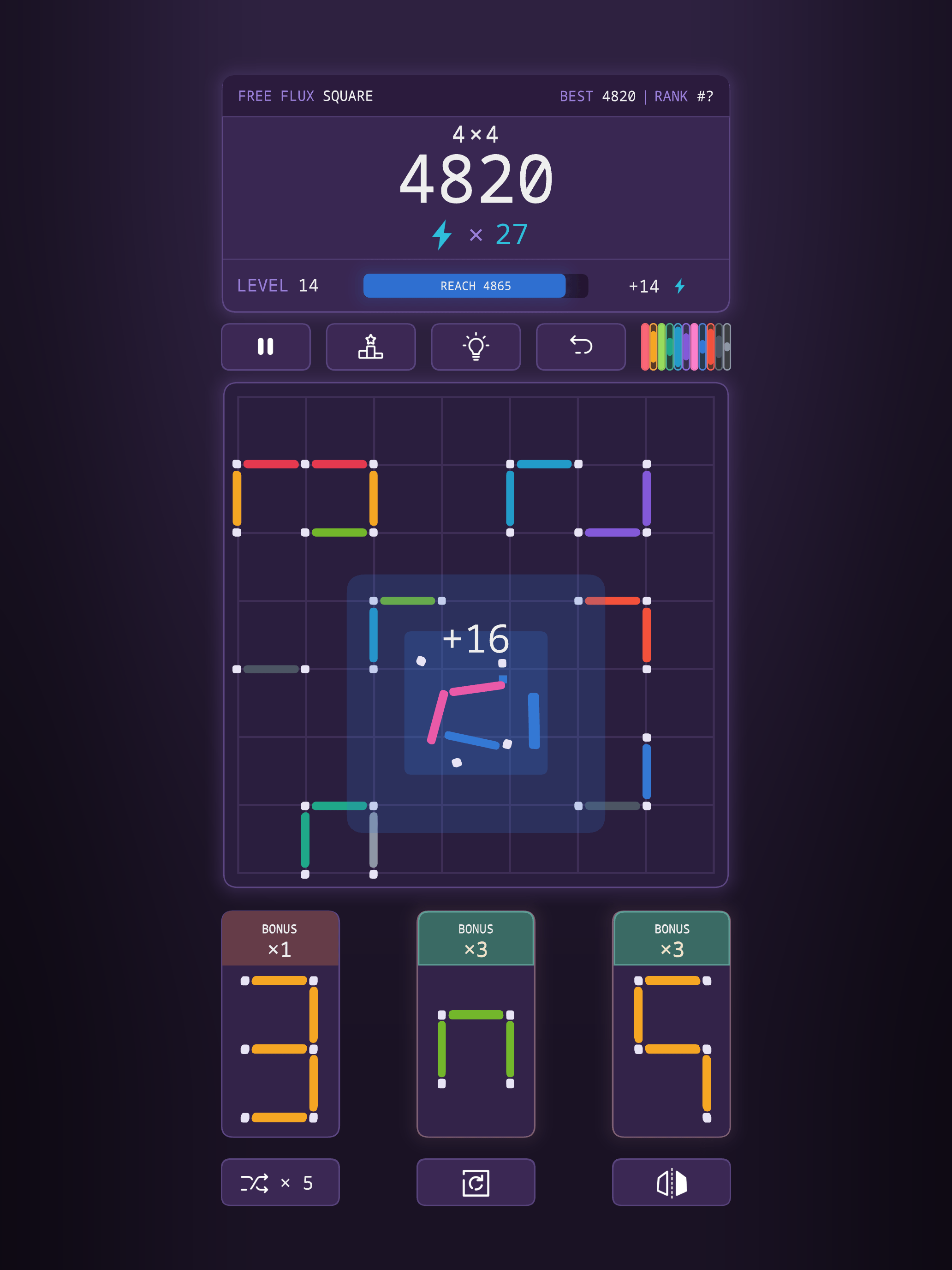
One shape can complete more than one square. The game calls those out as you land them: GREAT!, AMAZING!, EXCELLENT! The payout scales with the number.
Levels, and moves banked
A progress bar tracks the score you need. Reach it and a banner drops, the level goes up, and bonus moves are banked for later.
Color Purge
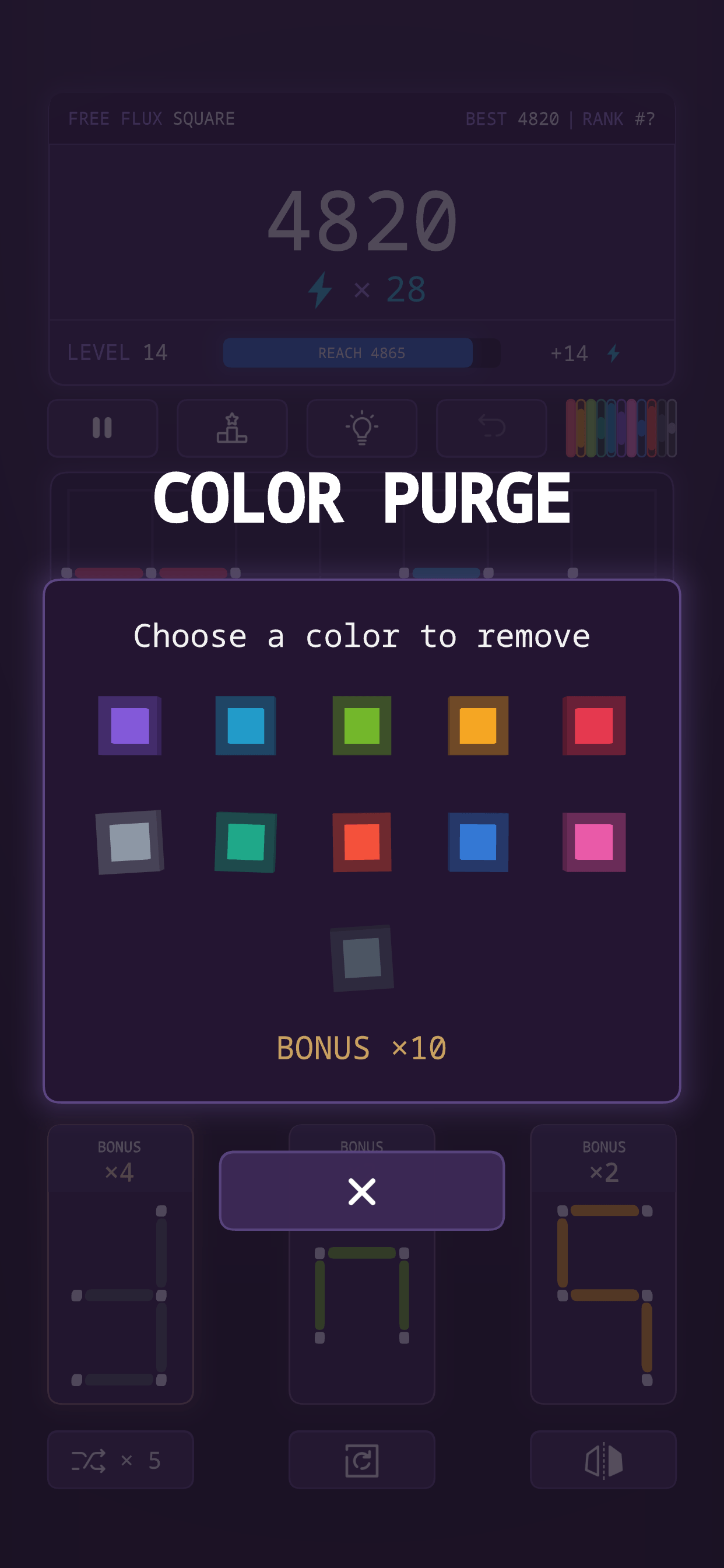
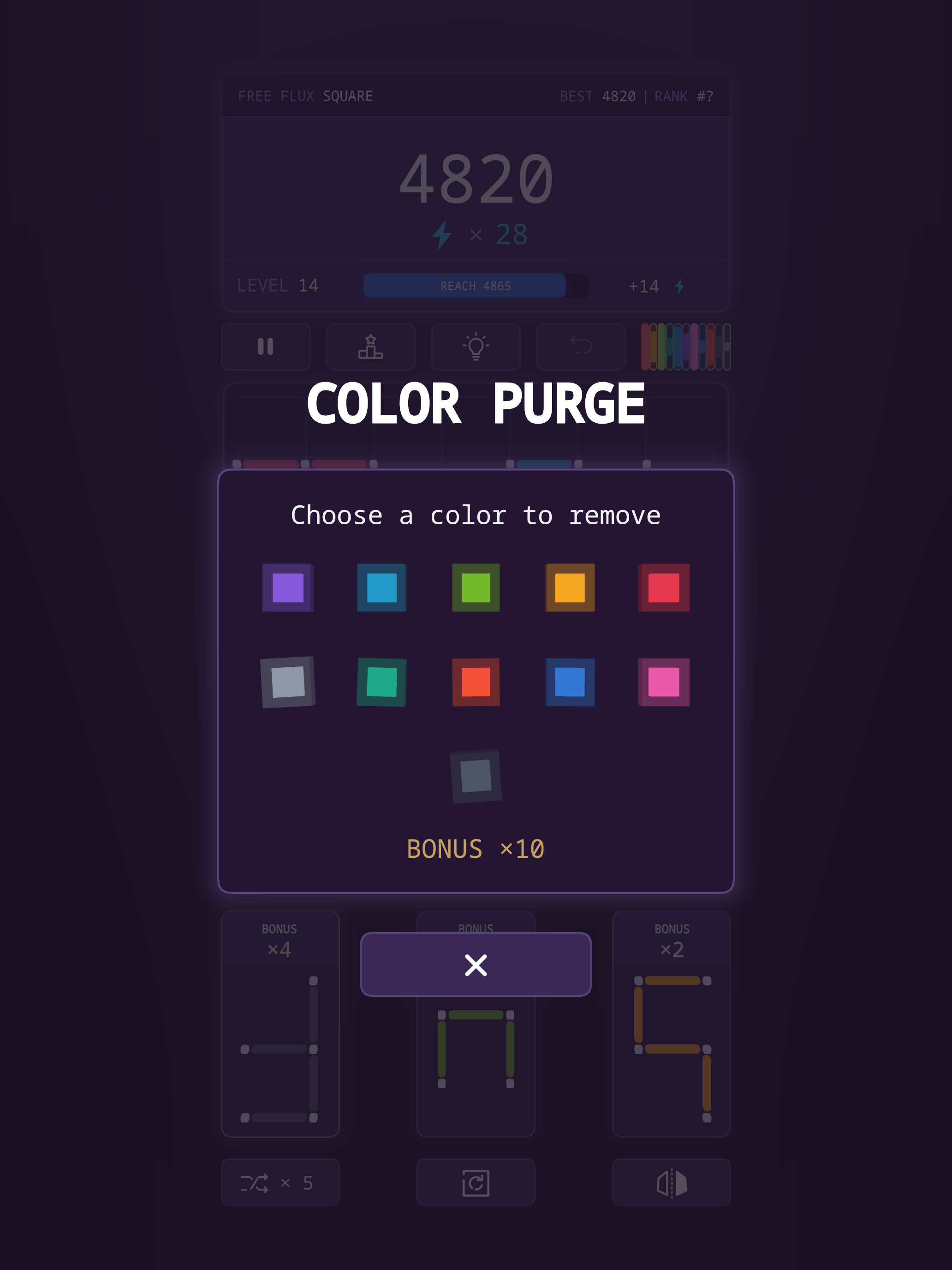
The spell. Every line you clear pours its colour into a pool. Fill all eleven colours and Color Purge charges. Cast it, choose one colour, and every line of that colour is swept off the board at a ×10 bonus. It is the only way out of a board that has silted up.
Assists, when you are stuck
Shuffle a shape for a different one, rotate it, flip it, take a hint, or undo the last move.
Leaderboards and achievements
Game Center on iOS, through your own Apple account, and Google Play Games on Android, through your Google account. Scores and achievements post to Apple's or Google's leaderboards, not to a server of mine.
Every board has an address
Each game is seeded by a short flux code, shown at the top of the screen. The same code produces the same board, so a game can be replayed, or handed to someone else to try.
Twenty-five seconds of it
Tap to play. It has sound.
Gallery
iPad
What the game asks of you
The game is free. Here is what that costs:
- It shows ads. A banner, an interstitial between games, and rewarded videos you choose to watch to unlock an assist. They are served by Google AdMob. Removing them is a purchase, not a setting — see below.
- On iOS, it asks permission to track. You get the App Tracking Transparency prompt. Say no and the game works exactly the same; the ads are just non-personalised. You can change the answer later in iOS Settings. On Android there is no prompt: ads use the advertising ID, which you can reset or opt out of in Settings → Google → Ads (or Settings → Privacy → Ads).
- It records gameplay events. Firebase Analytics logs things like a game starting, a level reached, a spell cast. It is there to show which parts of the game people actually play.
- It needs no account. There is no sign-up, no login, and no server of mine holding your saves. Progress lives on the device, and deleting the app deletes it.
The full detail is in the privacy policy.
Removing the ads
One way, and it’s optional.
Remove Ads — one-time purchase
Pay once and play ad-free for good. Nothing renews. US$4.99 on both stores; local prices vary. It’s bought with your Apple account on iOS or your Google account on Android, and Restore Purchase in the pause menu brings it back on a new device signed in to the same account.
Already have the 3-month subscription?
The ad-free subscription is no longer sold (from version 4.3.0), and it was never sold on Android. If you have one on iOS, it stays active, ad-free, until it lapses. You can still cancel it in your device’s Apple account settings: Settings → your name → Subscriptions.
Terms of Use: Apple’s EULA (iOS) · Google Play Terms of Service (Android)