Shell SSH
A real interactive SSH terminal for iPhone and iPad.
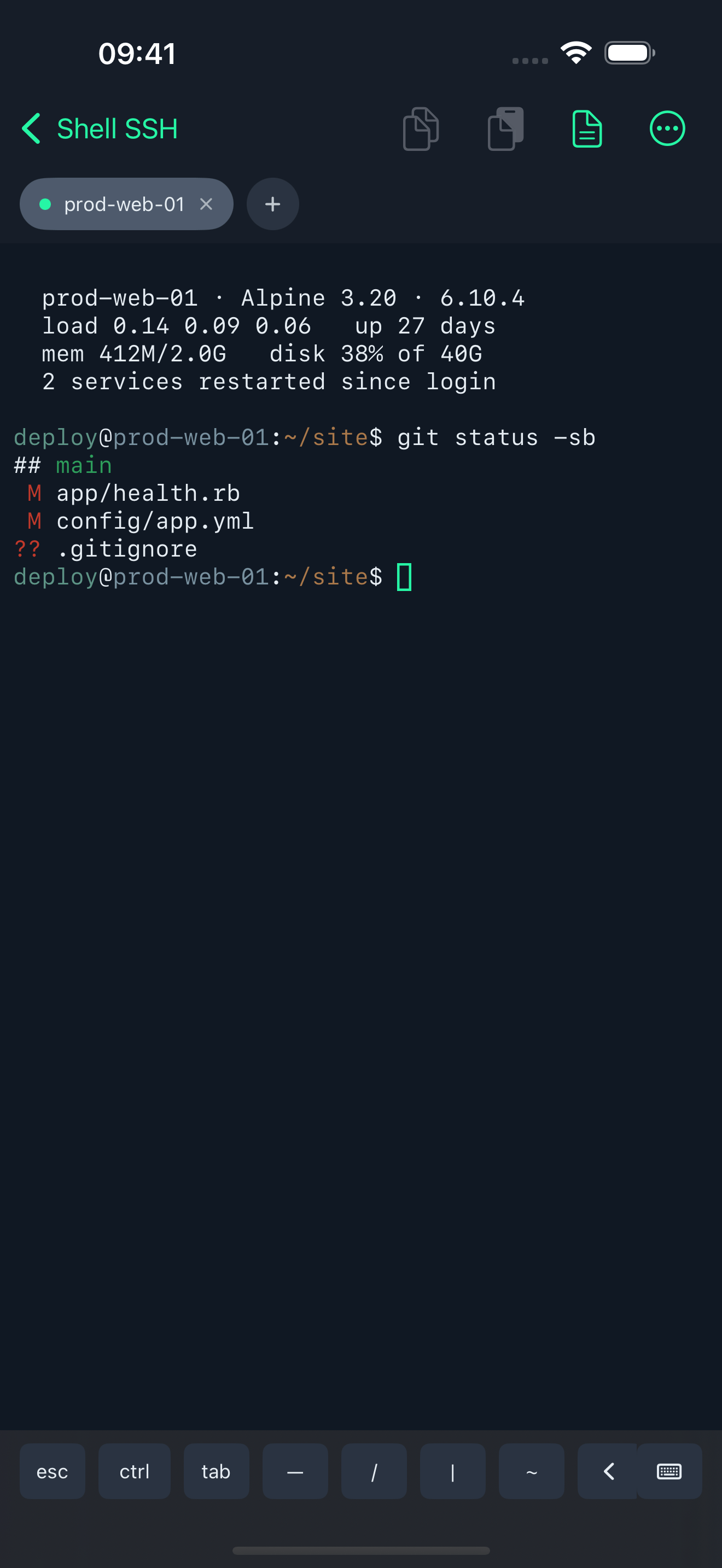
Not a one-command box. xterm-256color, 256 colours and an alternate screen buffer, so vim, htop and less run the way they do on a desktop. Keys and passwords live in the iOS Keychain. Nothing leaves the device except the connections you start.
Features
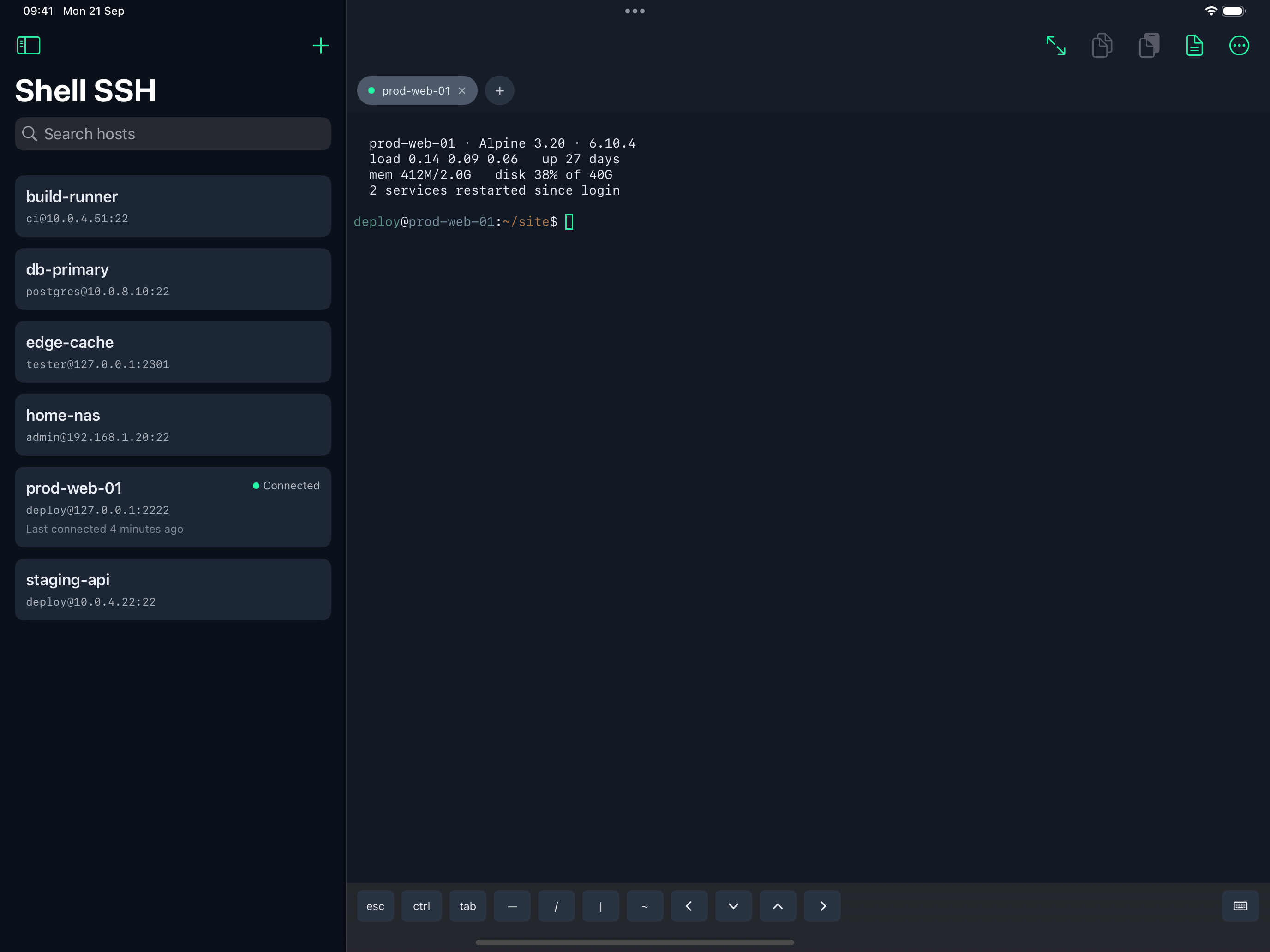
A real terminal
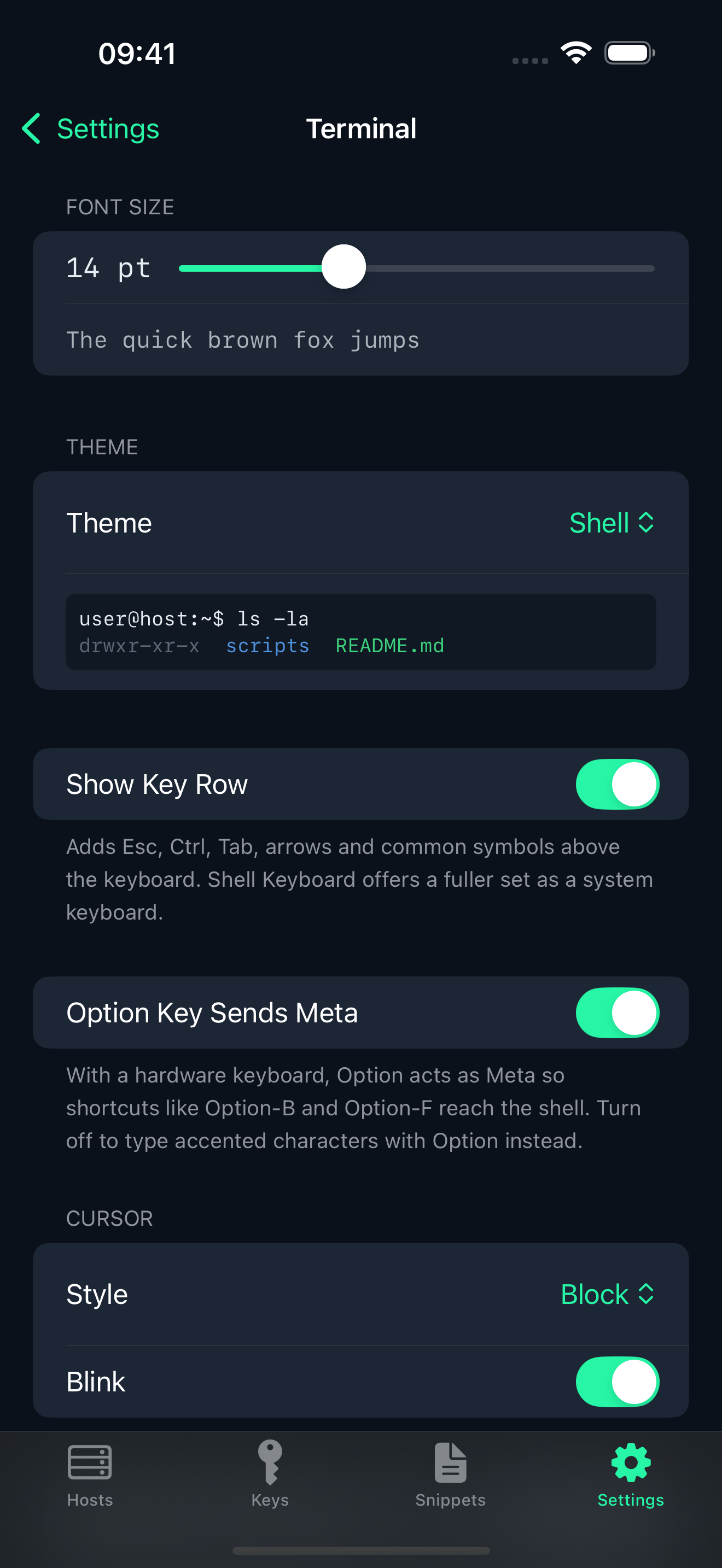
xterm-256color, 256 colours, and an alternate screen buffer, so vim, htop and less behave as they do on a desktop. Font size, cursor style and scrollback are adjustable. Themes: Shell, Solarized Dark and Light, Dracula, Nord, Gruvbox, One Dark, Monokai.
A key row where iOS gives you none
A row above the keyboard for esc, ctrl, tab, the arrows and common symbols. Turn it off when a hardware keyboard is attached.
Hosts
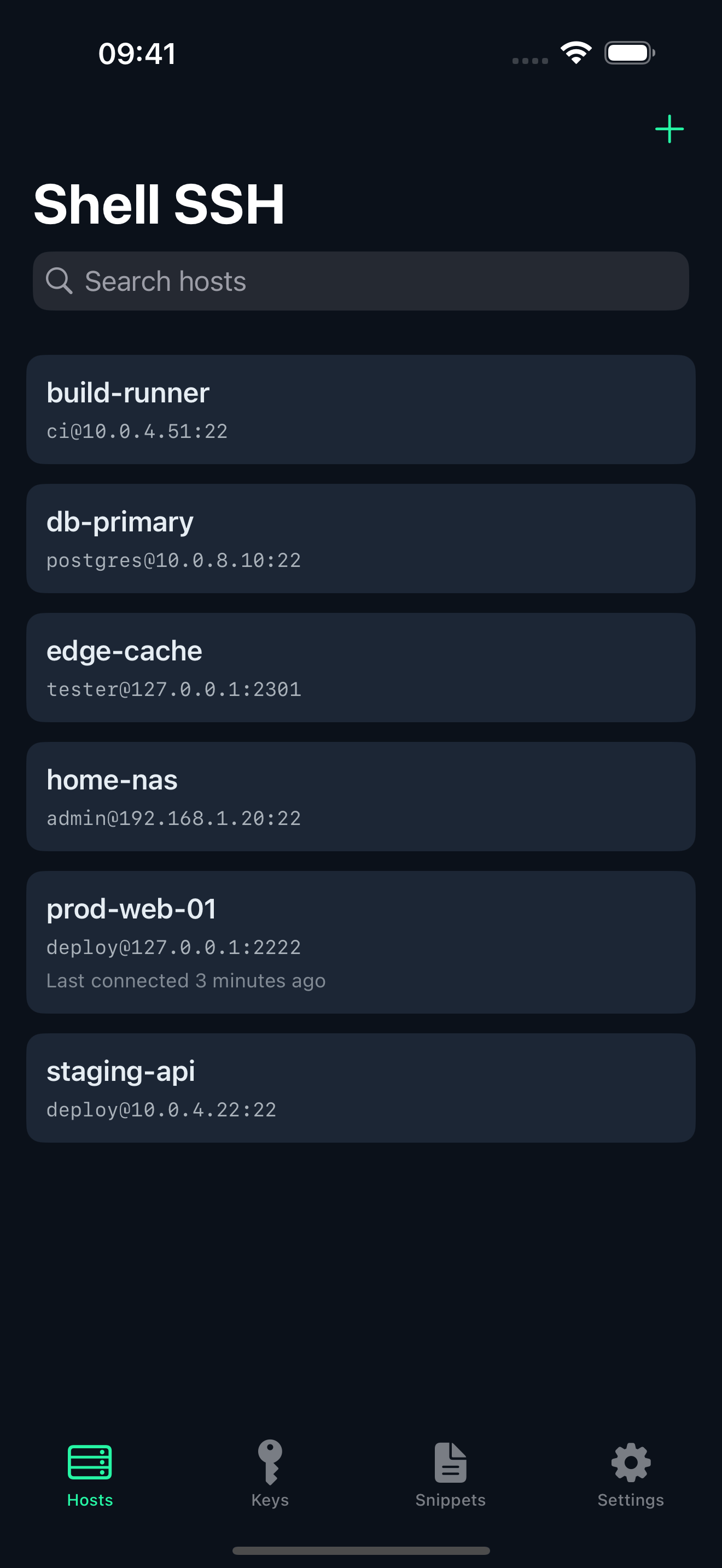
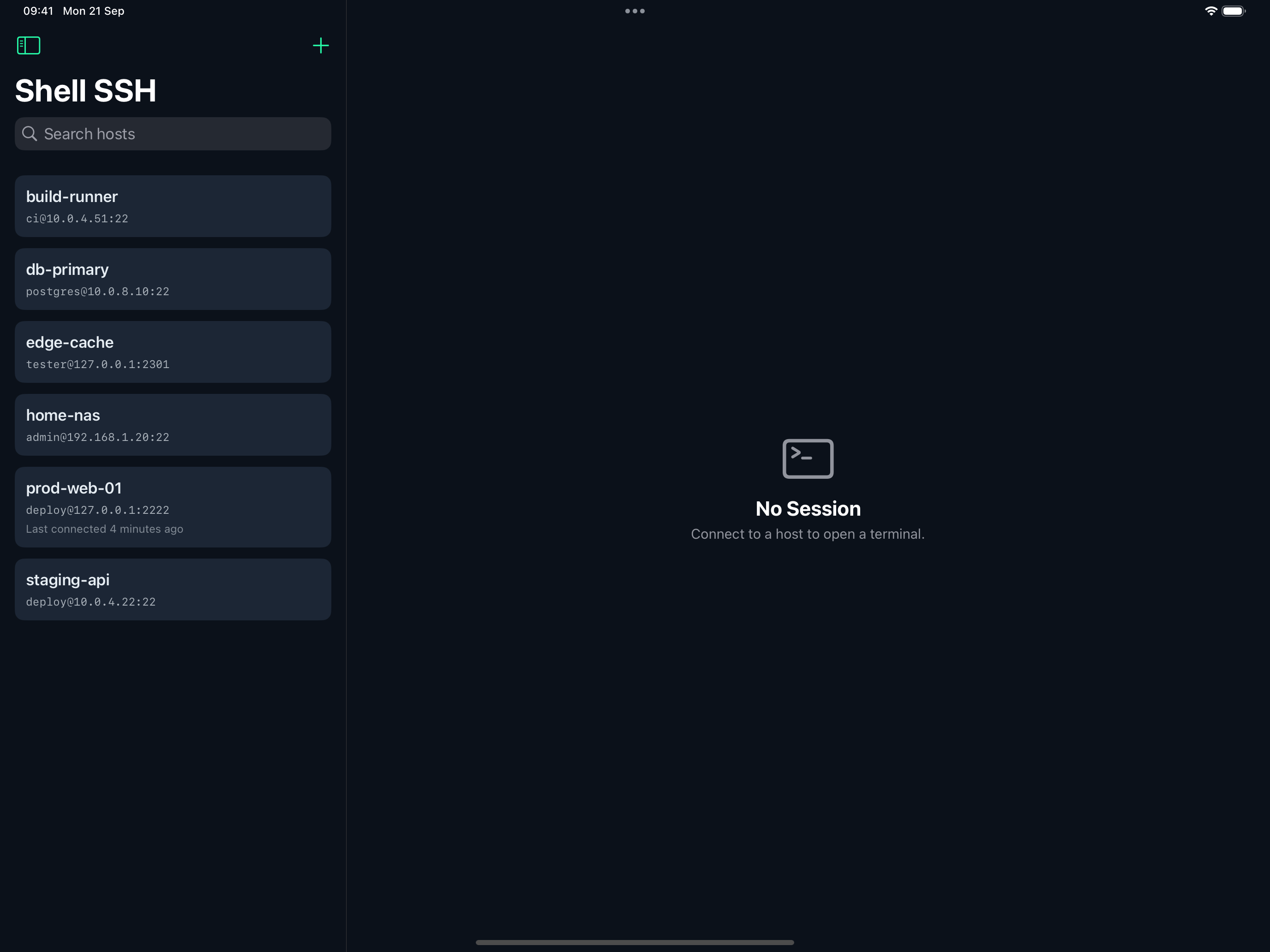
Name, address, port, username and notes. Search runs across all of them.
Keys or a password
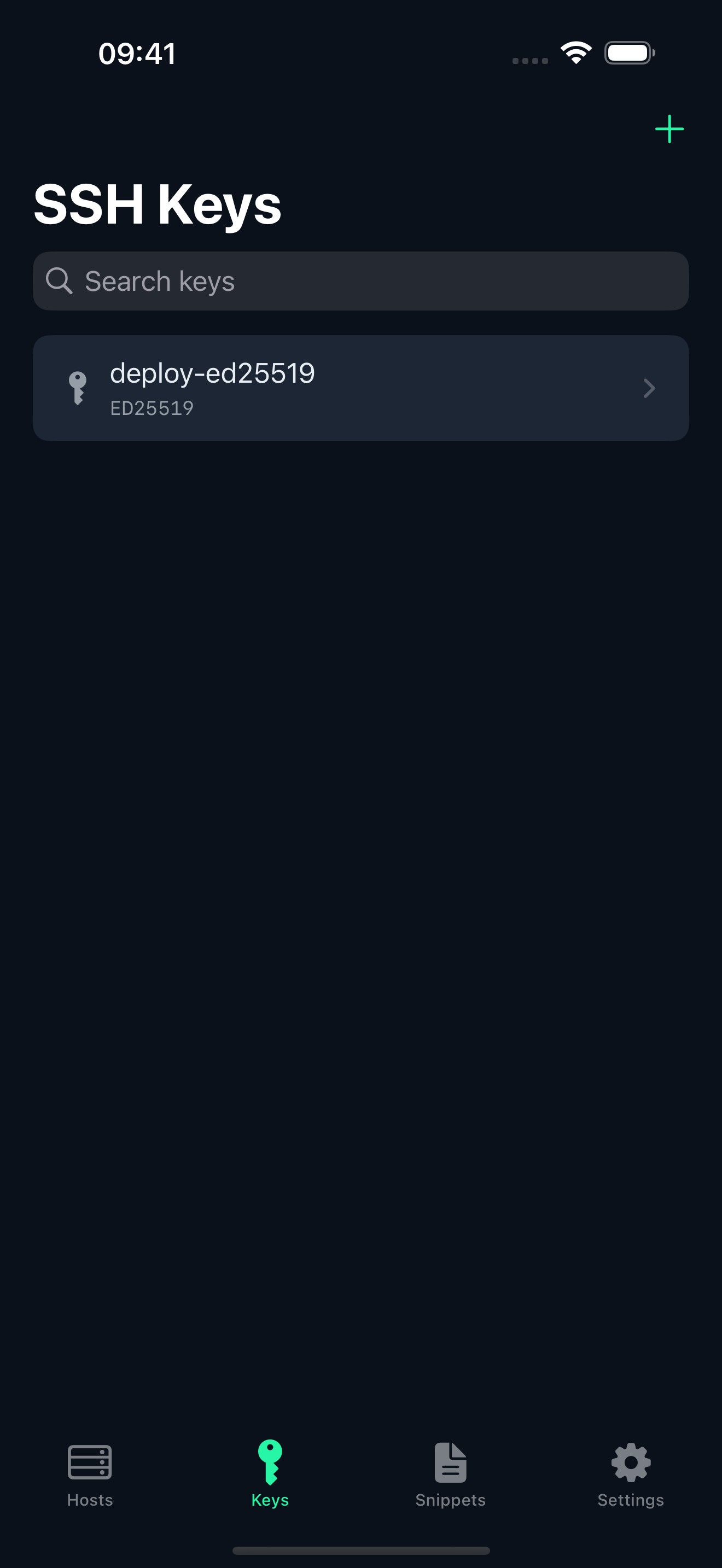
Generate an Ed25519 key on the device, or import an existing Ed25519 or RSA key, including passphrase-protected ones. Copy the public key out to paste into authorized_keys.
The server is checked, every time
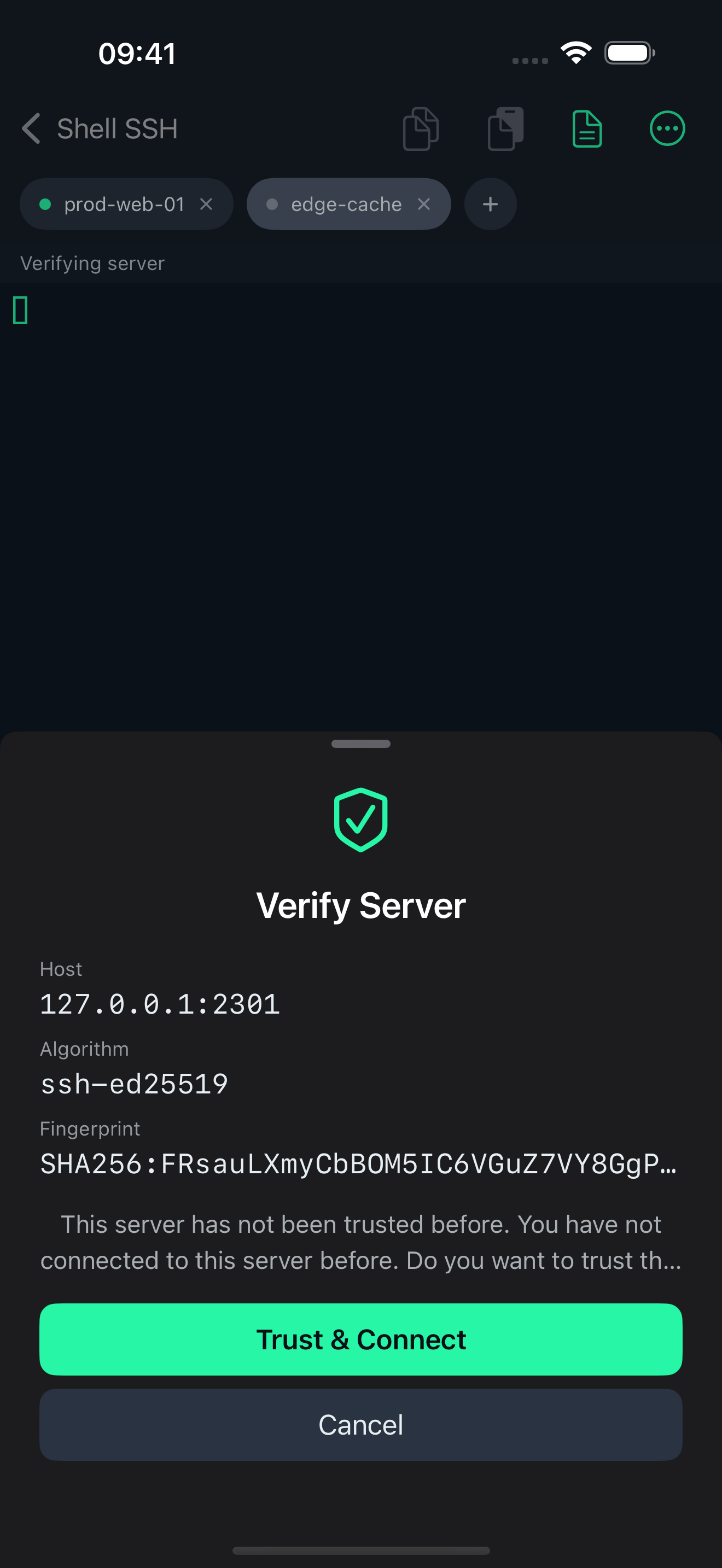
The server’s identity is verified on the first connection, and a blocking warning appears if a host key ever changes afterwards. Fingerprints are shown in the same SHA-256 form ssh-keygen prints. Trusted fingerprints can be reviewed and removed.
Secrets stay in the Keychain
Passwords, private keys and key passphrases are stored in the iOS Keychain, never in plain files. Face ID or Touch ID can be required before a saved credential is used.
Tabs, and two terminals on iPad
Several sessions run at once as tabs. On iPad, two terminals sit side by side with a draggable divider. Tabs and the split are restored when the app reopens, and the selected tab reconnects immediately.
tmux, if you want it
iOS suspends apps, which drops the SSH connection when the device locks. Shell SSH can run the shell inside tmux, so the session keeps running on the server and reattaches where it left off. It asks the first time and remembers — per host, or as a default. Closing a tab closes its tmux session, so nothing is left running unnoticed.
Snippets
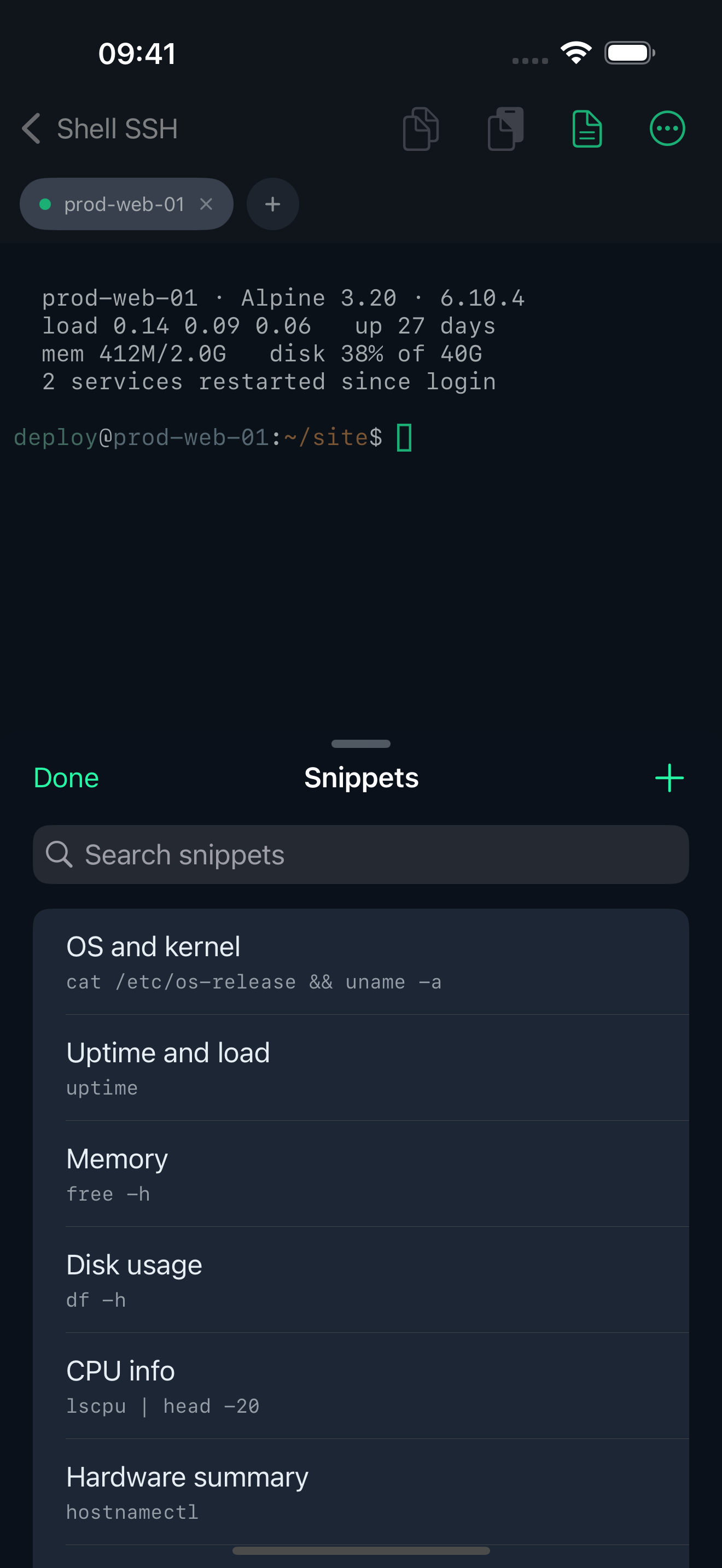
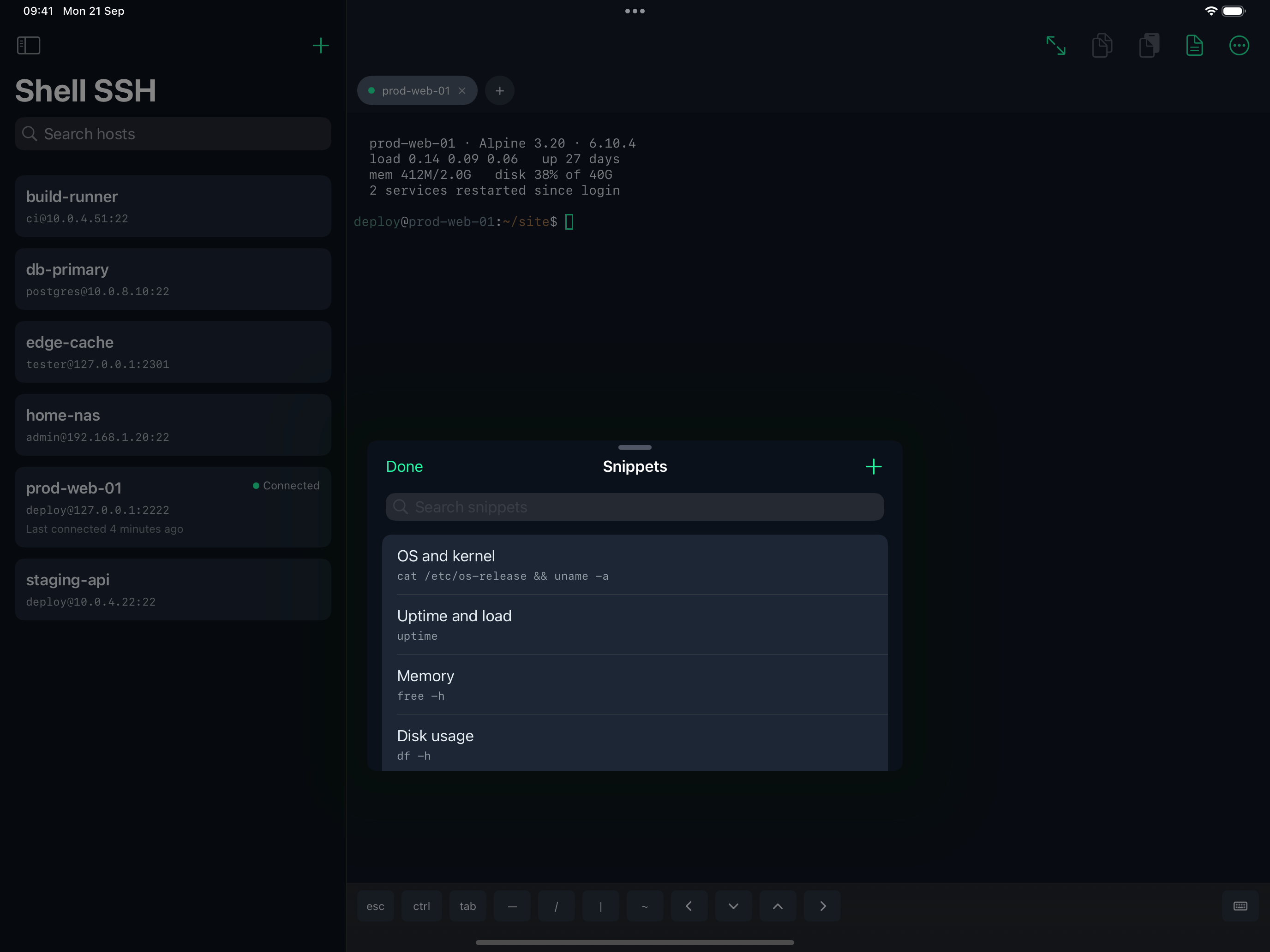
Commands you keep, inserted or run in a tap. Placeholders are {{name}}, {{name?}} for optional, and {{name=default}} to prefill; you are asked for the values when you use the snippet. About a hundred common commands ship as examples. Searchable and reorderable.
Copy and paste
Press and hold to select, then Copy; Copy All takes the whole scrollback. Command-C and Command-V work with a hardware keyboard. A warning appears before pasting multiple lines, which could otherwise run several commands at once. Copied text can be cleared from the clipboard automatically.
It tells you why a login failed
When a login is refused, the app asks the server which authentication methods it accepts and says so. A server that does not take passwords tells you that, instead of looking like a typo.
Resizes properly
On rotation, in Split View and in Stage Manager.
Shell SSH’s key row covers this app only.
For esc, ctrl, alt, function keys and the full arrow cluster in every other app on the device — Blink, Termius, a text field — there is
Shell Keyboard, a system-wide keyboard by the same developer. The two are complementary; neither needs the other.
Gallery
iPad
What it does NOT do
Please read this before buying:
- No file transfer. There is no SFTP or SCP browser. This is a terminal.
- No keyboard-interactive authentication (RFC 4256). A server configured with
PasswordAuthentication noandKbdInteractiveAuthentication yes— common on hardened images and some 2FA setups — cannot be reached with a password. Use a key on those. - No port forwarding, tunnels or SOCKS proxying.
- No SSH agent, and no agent forwarding.
- No jump hosts (
ProxyJump), and no Mosh. - ECDSA private keys are not supported for login. Ed25519 and RSA are.
- Nothing syncs. Hosts, keys and snippets stay on the device. There is no cloud sync and no account, so they do not follow you to another device.