
Shell Keyboard
The terminal keyboard for iOS that never reads what you type.
A custom keyboard extension giving you esc, ctrl, alt, tab, arrows, and function keys directly on your iOS device. Use ssh, vim, and tmux on your phone without fighting the stock keyboard.
Version 1.2.0 · October 2026
New in version 1.2 · iPad
A real keyboard on your iPad
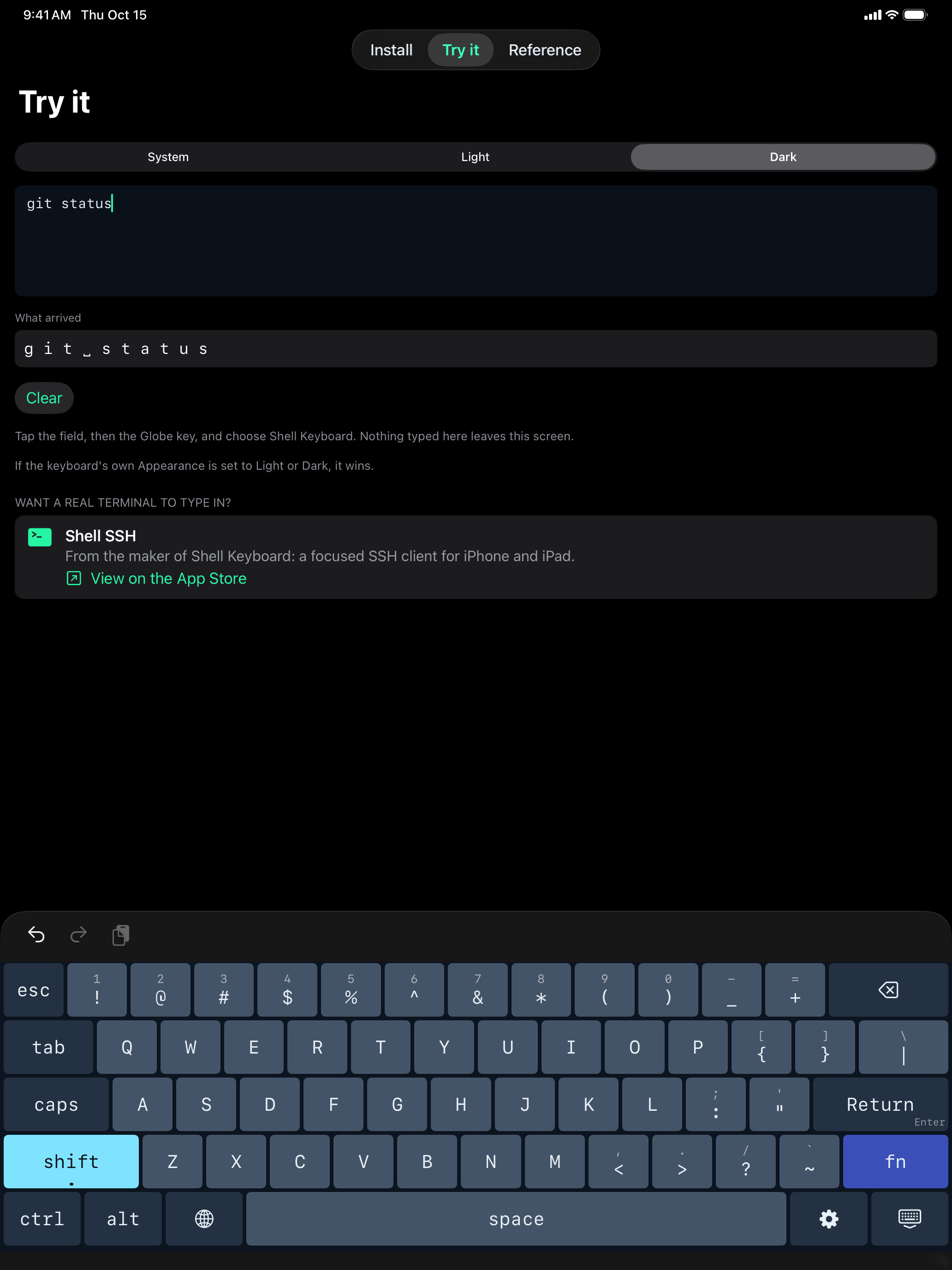
Choose a 60% or 75% layout, the compact keyboards terminal users already type on. Shift types the symbol printed on each key, Caps Lock sits where it always does, and ctrl is bottom-left. iPad opens in the 75% layout; the original ShellKey layout is one tap away in the keyboard's Settings.
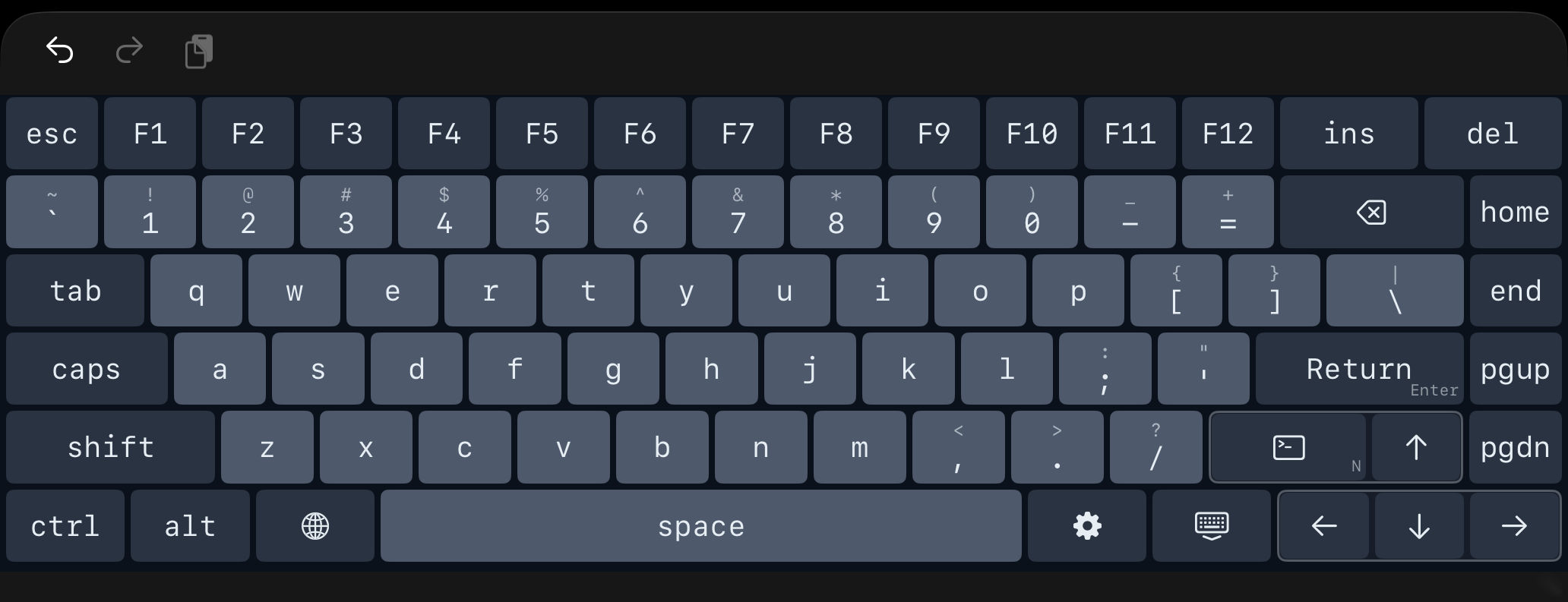
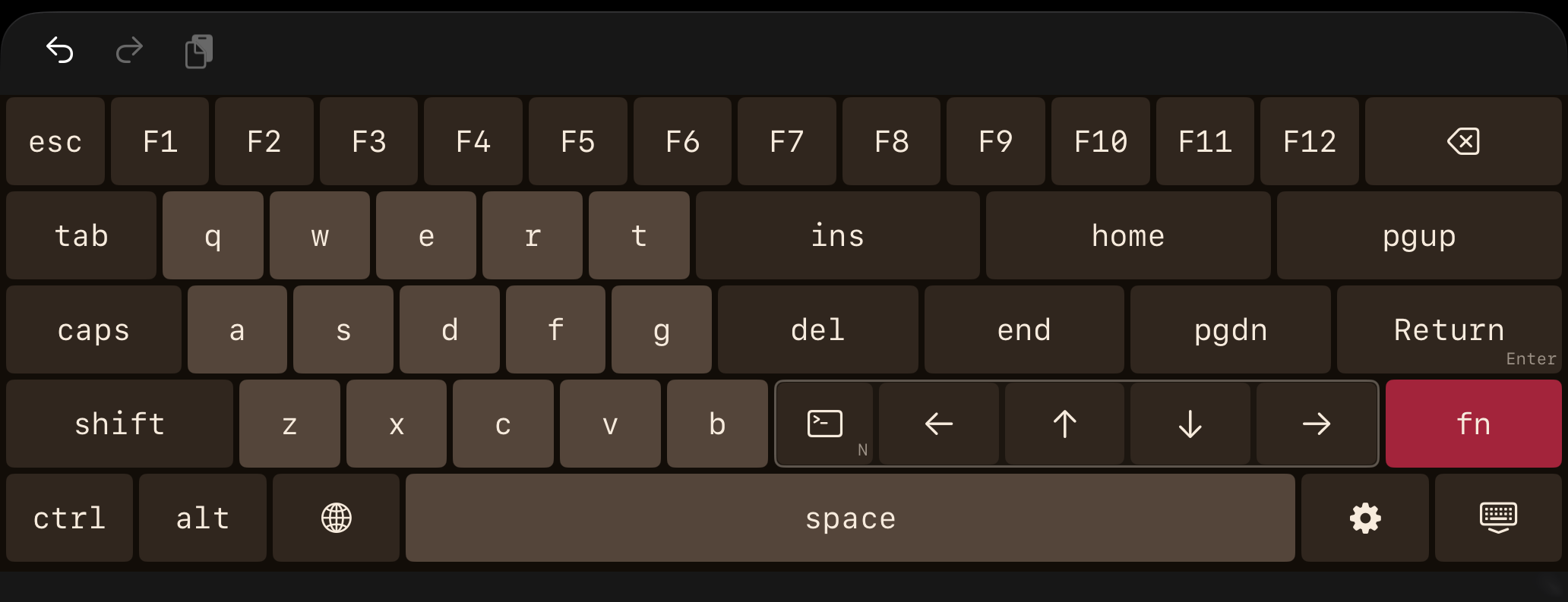
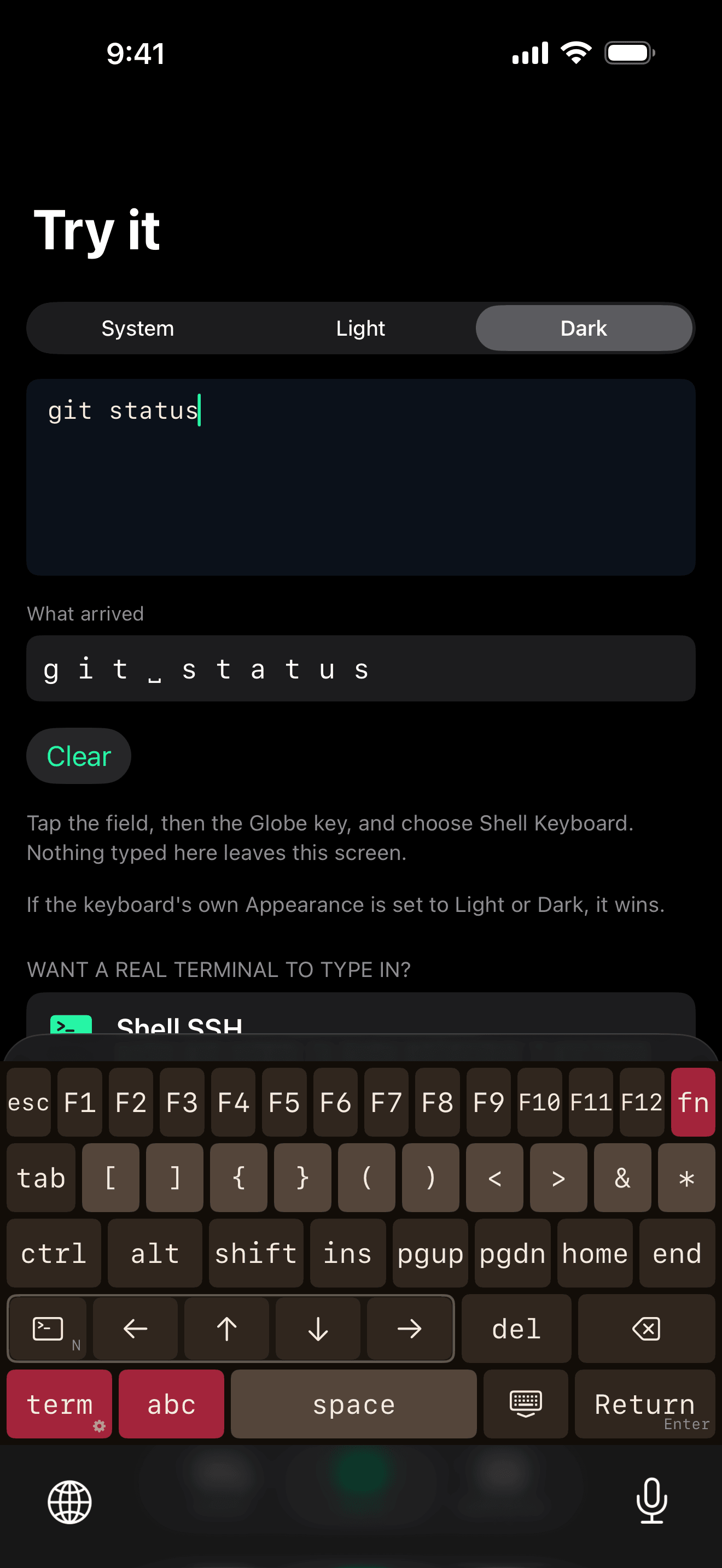
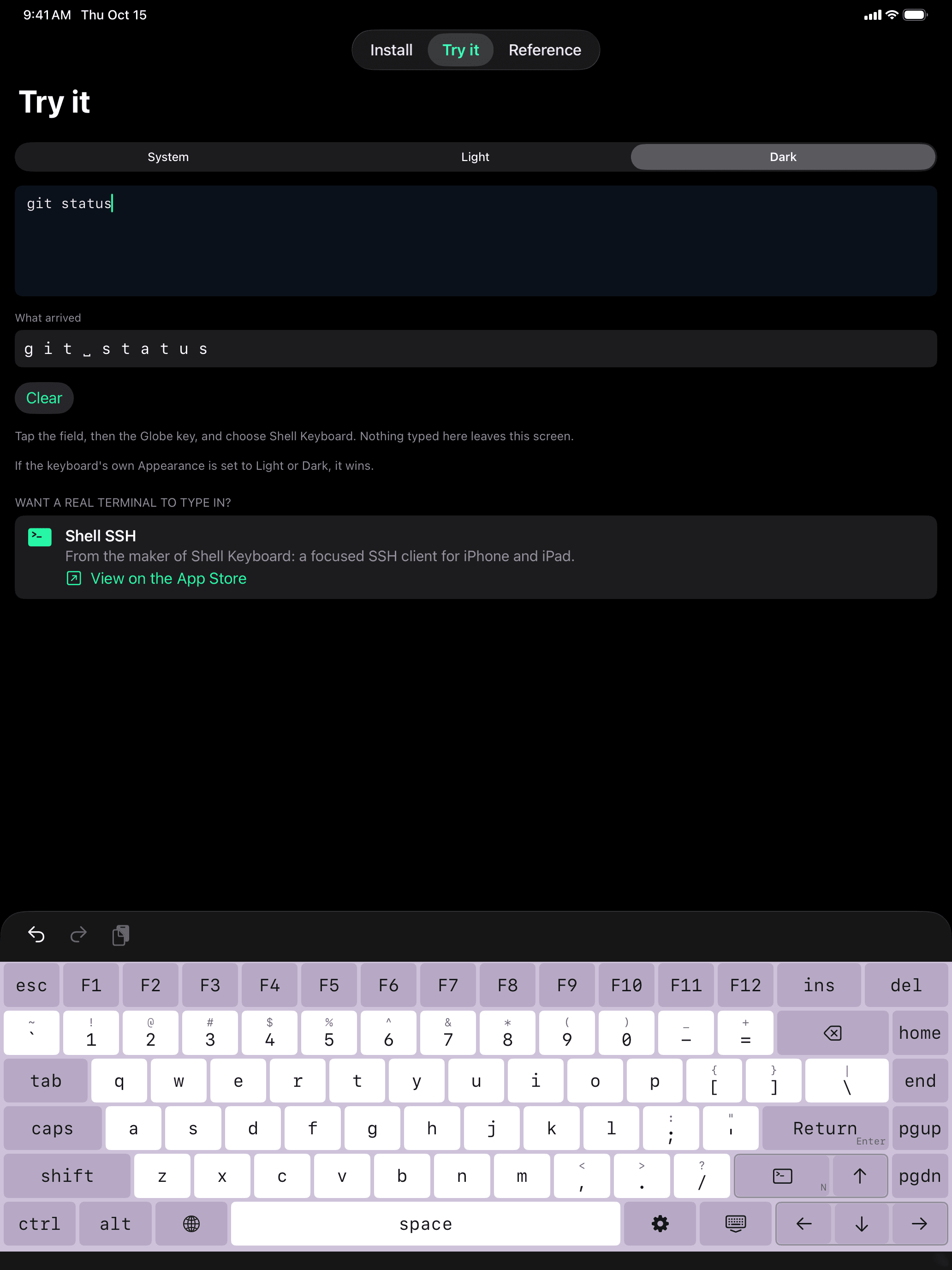
fn layer for F-keys, navigation and arrows. Shown in the Ember theme.Both are US layouts. On iPhone, Shell Keyboard keeps its own terminal layout.
Features
Terminal layer
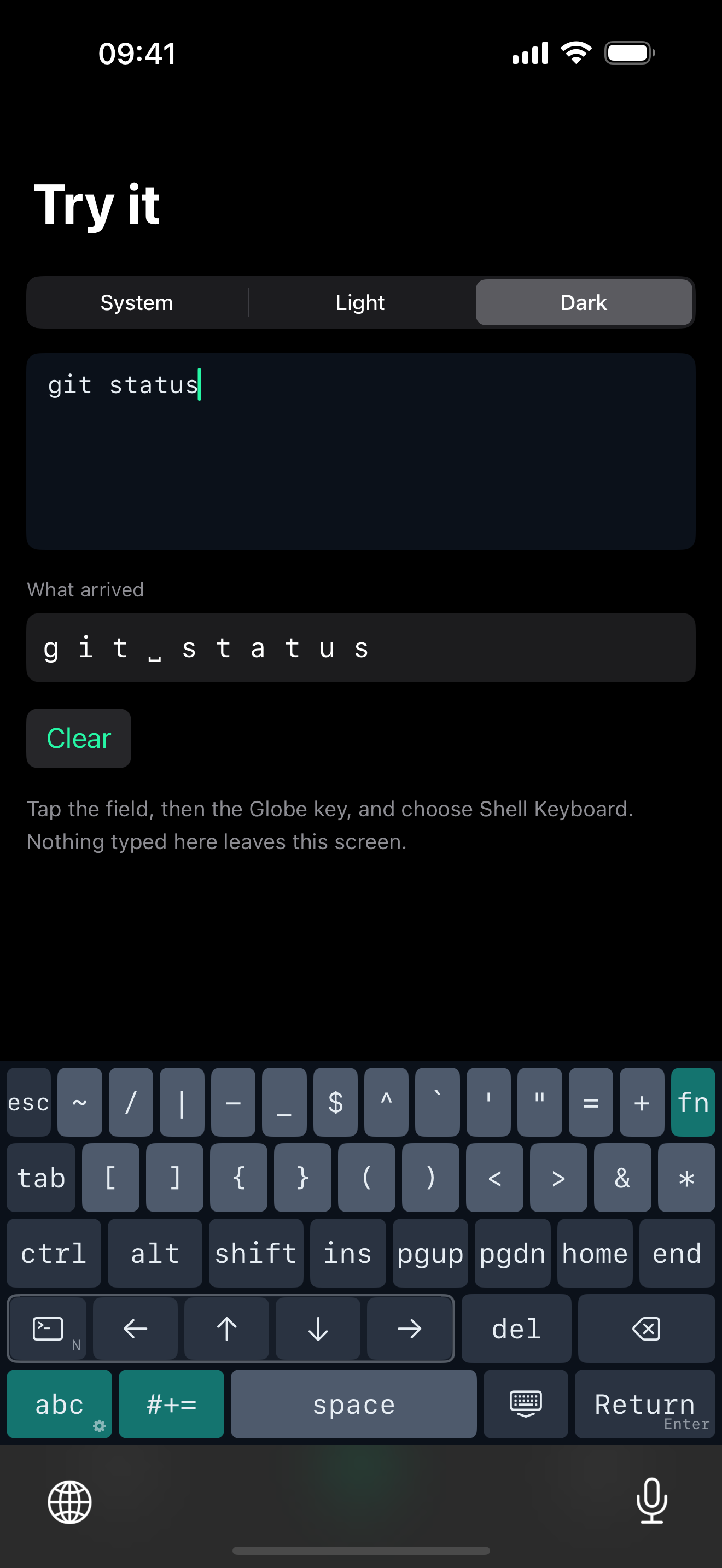
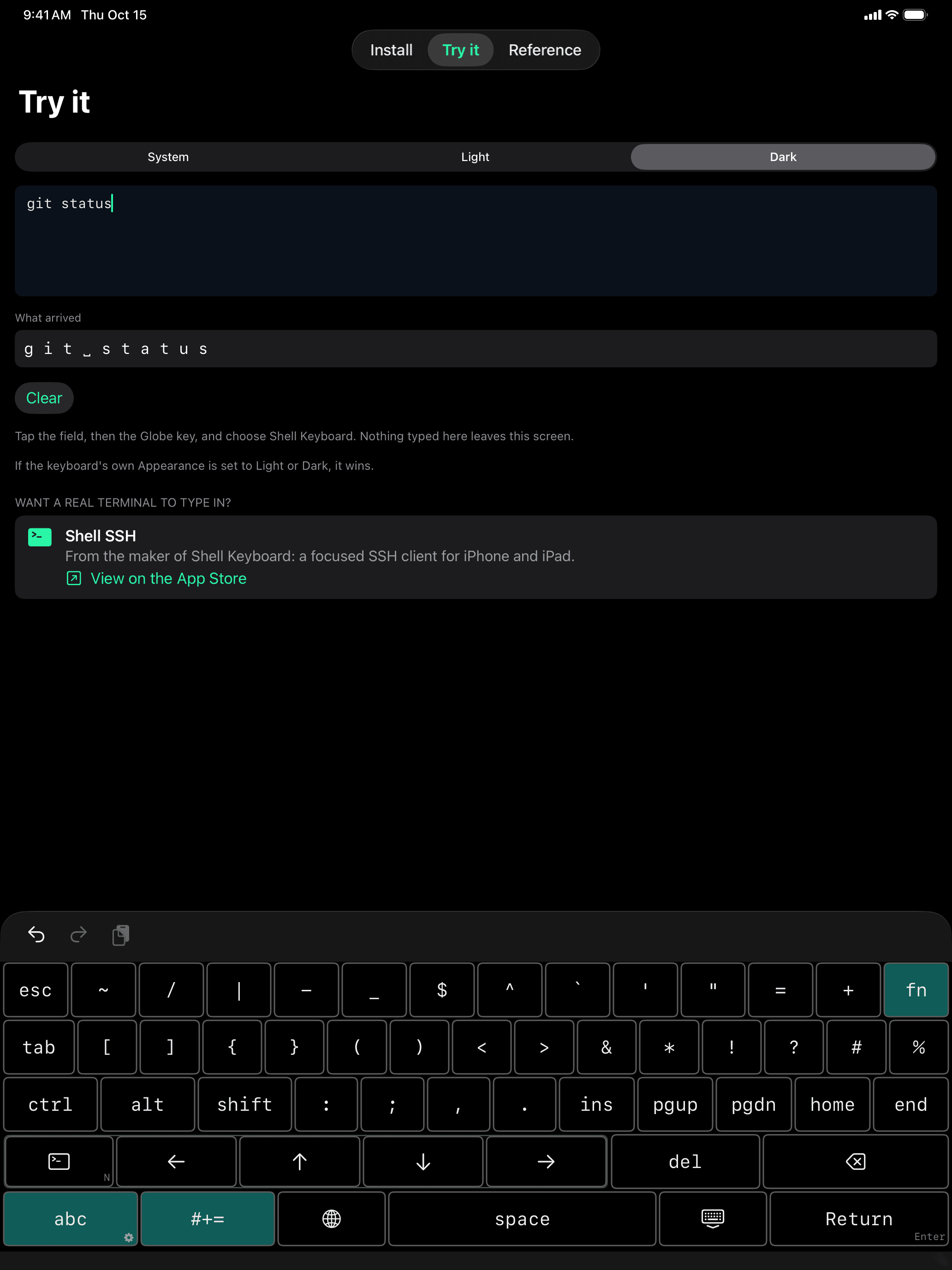
esc top-left where vim expects it, ctrl, alt, tab, a full arrow cluster, home / end, pgup / pgdn, ins, del, and the twelve punctuation characters a shell actually needs — ~ / | \ < > [ ] { } ( ). All on one screen, no layer switching.
Function keys
Tap fn and the top row becomes F1–F12. Everything else stays exactly where it was, so nothing under your thumbs moves.
Modifiers that latch
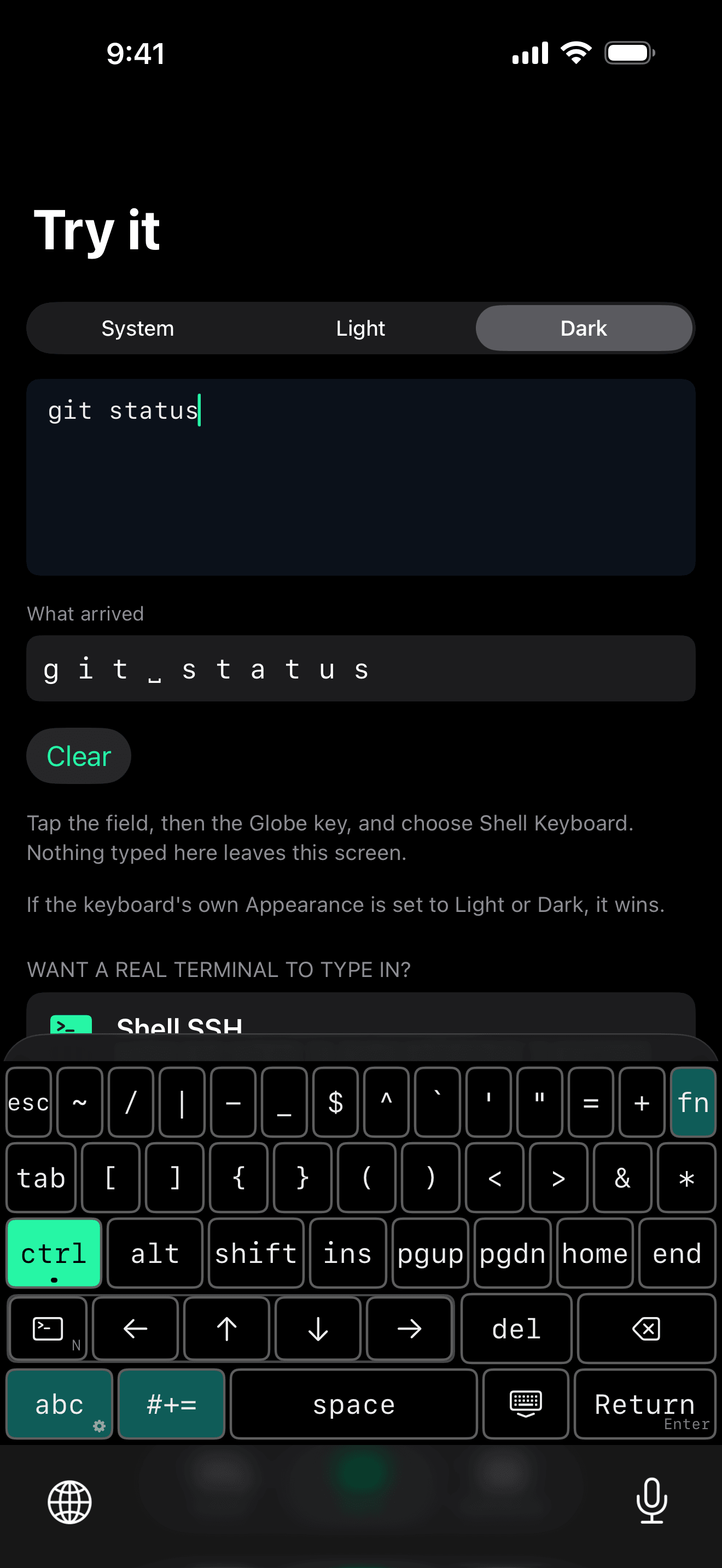
Tap ctrl to arm it for the next key, or double-tap to lock it. Ctrl+C is two taps, deliberately — never one.
Arrow keys that match your app
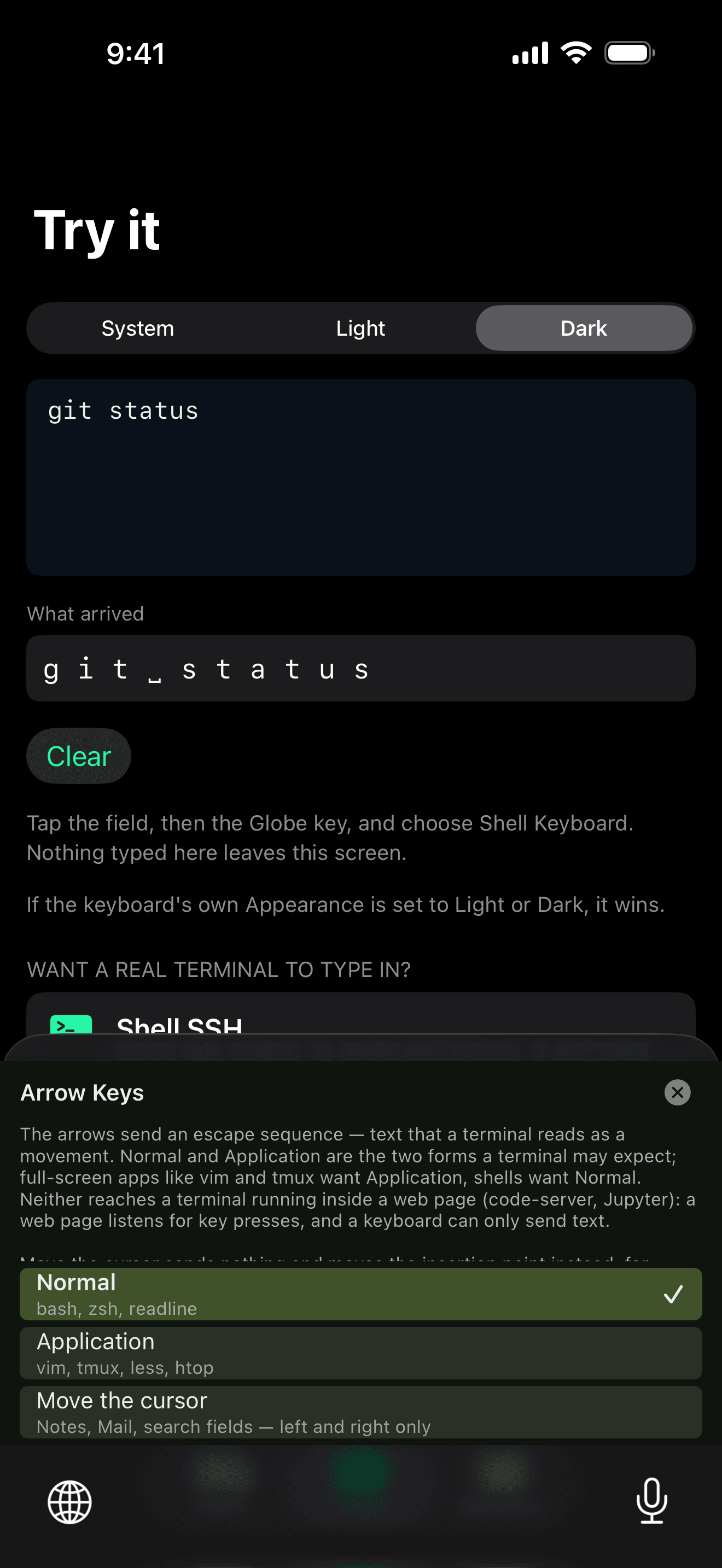
Normal mode for shells that expect ^[[A. Application mode for full-screen apps (vim, tmux, less, htop). A third mode moves the text cursor instead, for ordinary text fields.
Return or Enter
Long-press Return to switch between carriage return (CR) and line feed (LF).
Letters and symbols without leaving
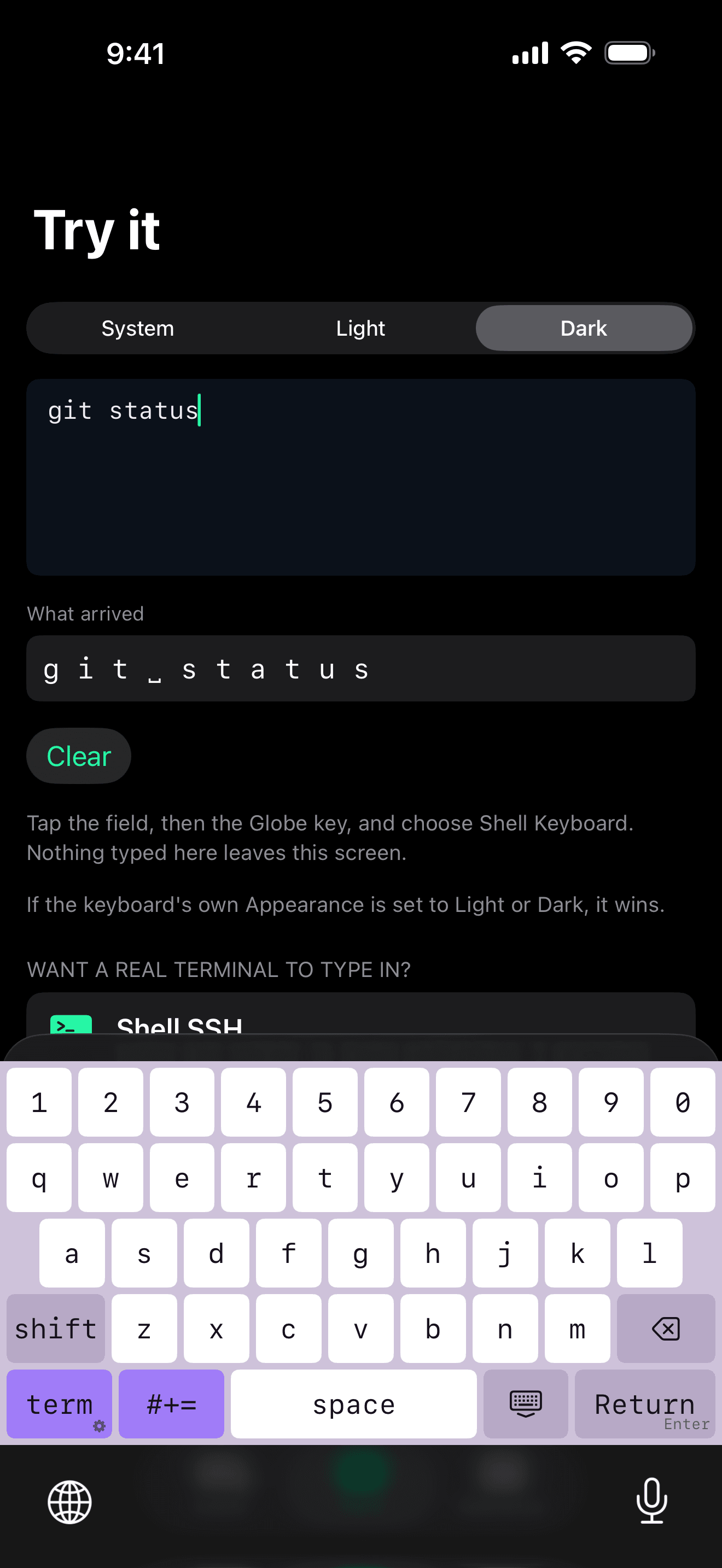
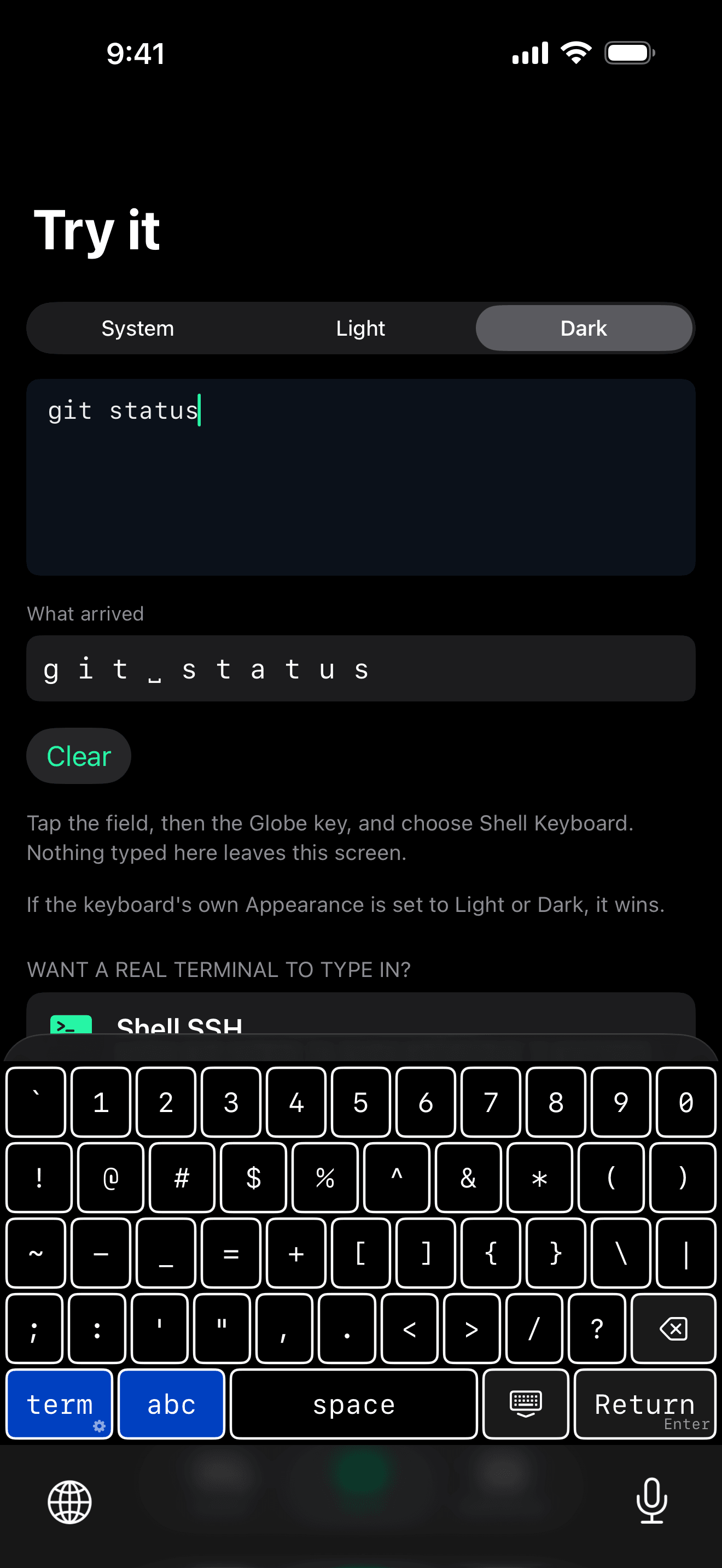
An abc layer for hostnames, paths and commit messages, and a symbols layer carrying every printable ASCII punctuation character exactly once.
Seven themes, light or dark
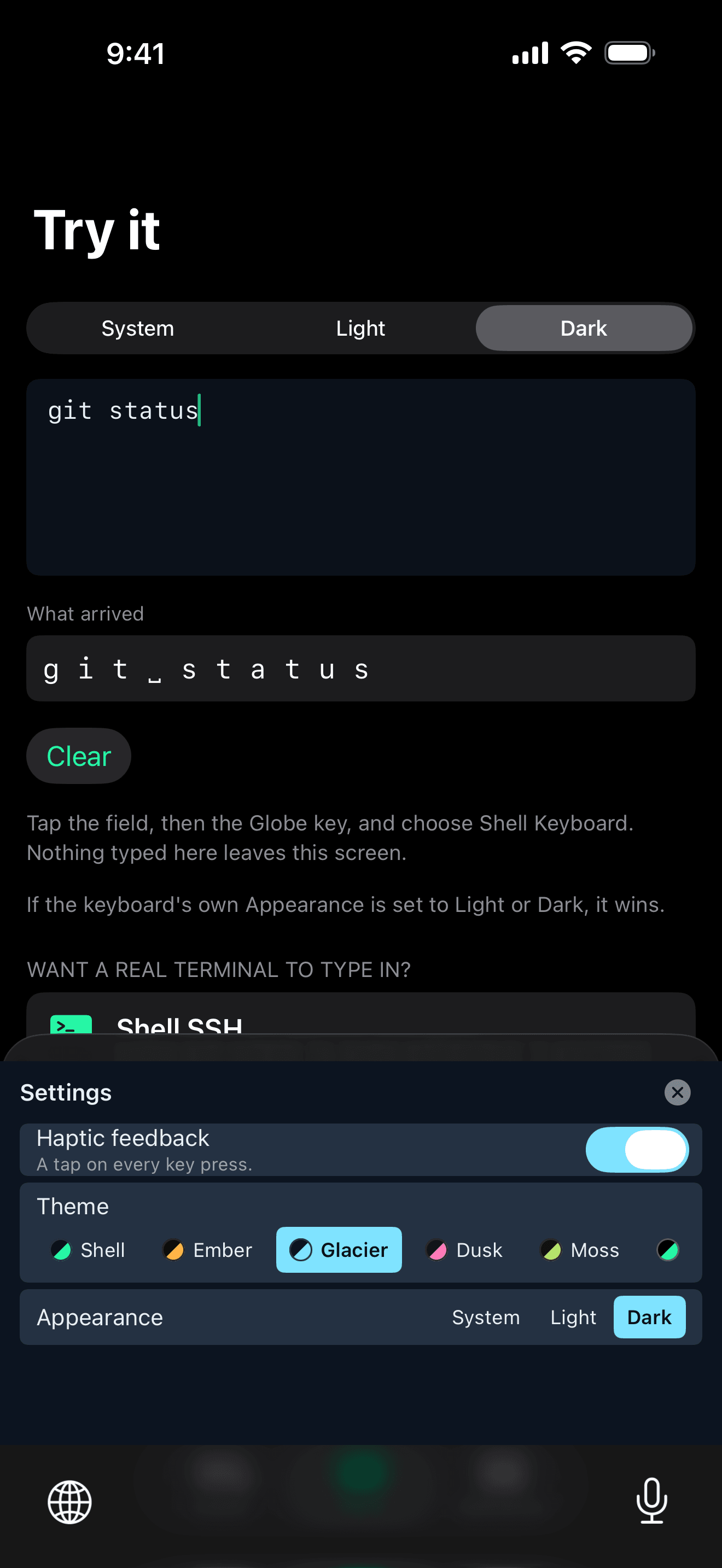
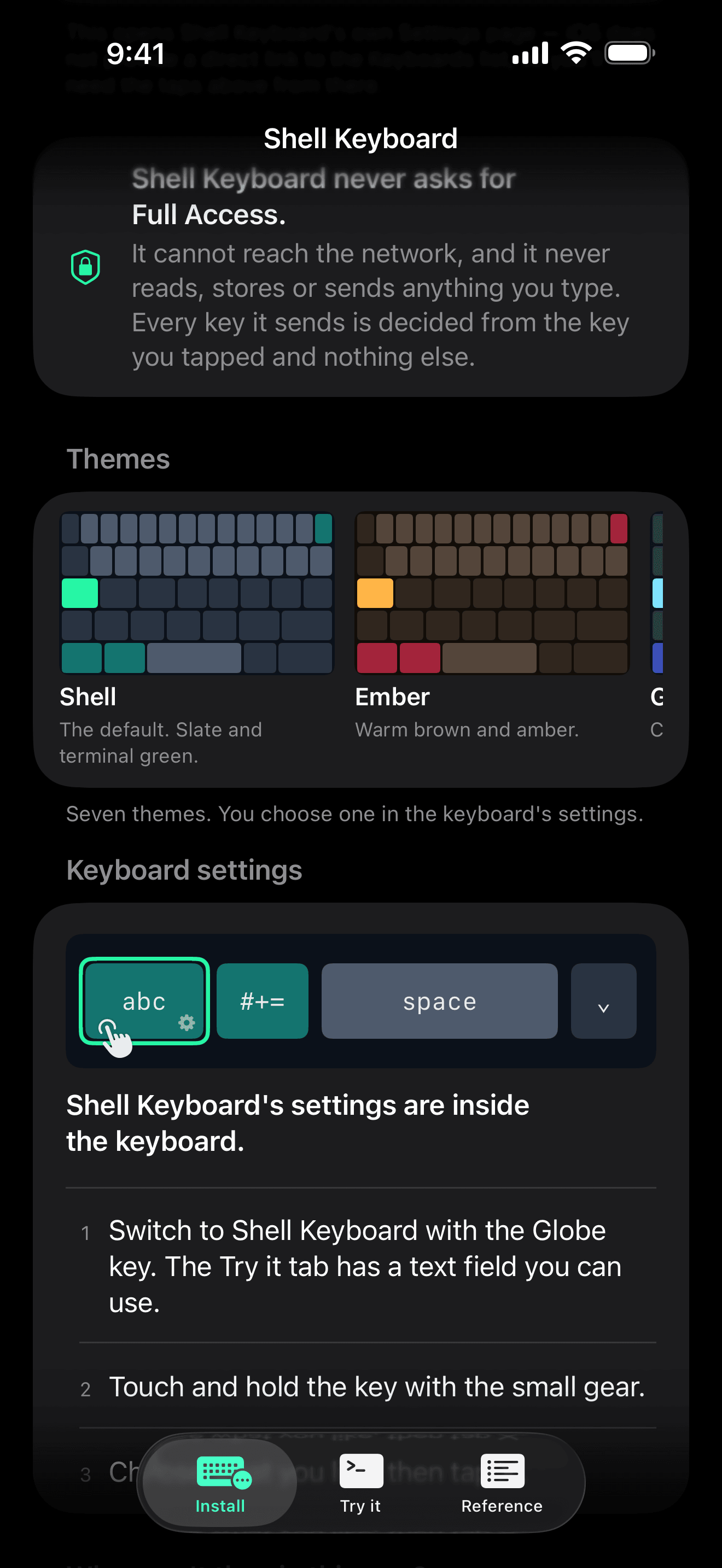
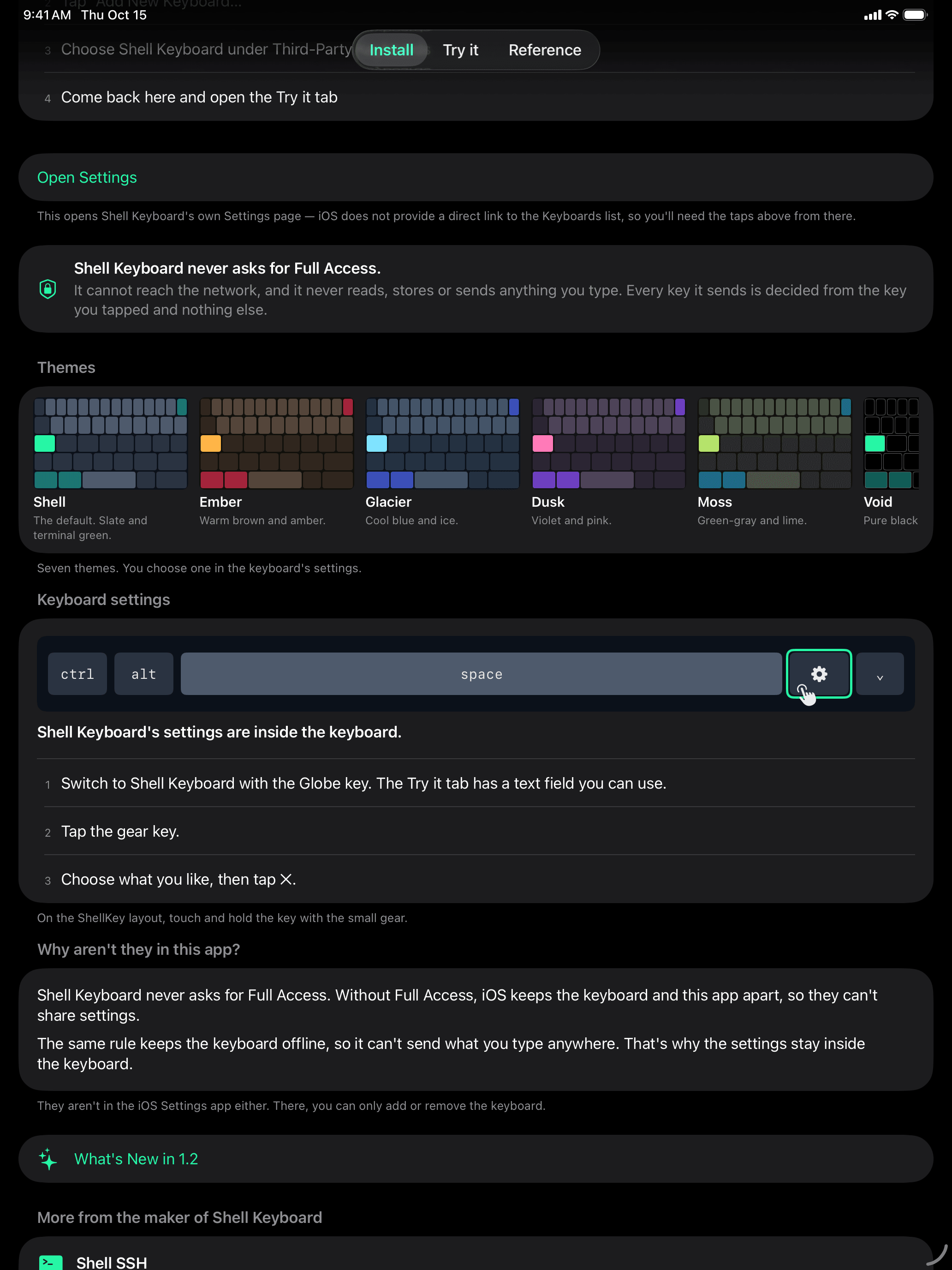
Shell, Ember, Glacier, Dusk, Moss, Void (pure black) and High Contrast, each with a light and a dark version. Appearance follows each app, or keeps the keyboard light or dark everywhere.
Settings inside the keyboard
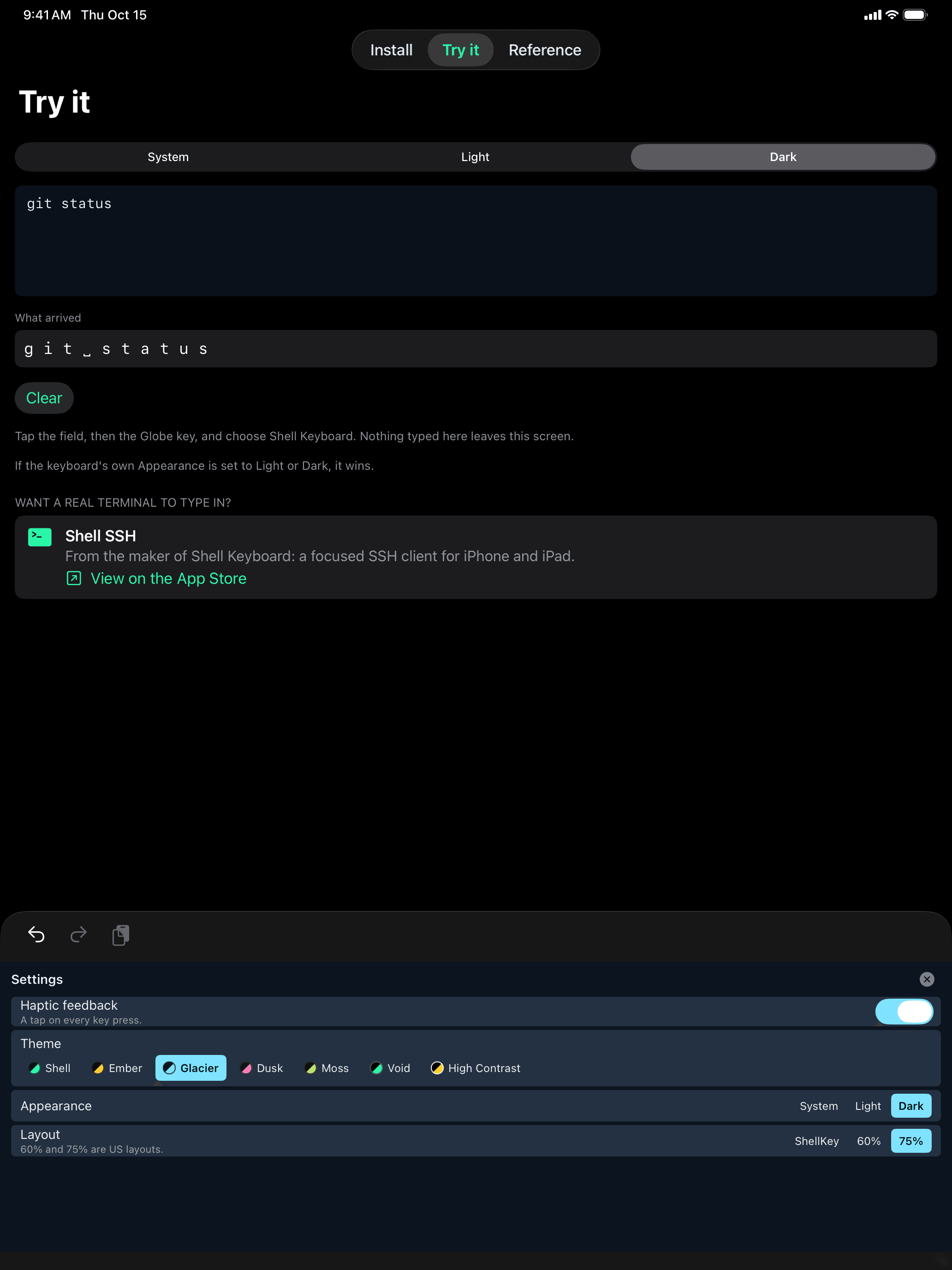
Touch and hold the key with the small gear (on iPad’s 60% and 75% layouts, tap the gear key) for Haptic feedback, Theme, Appearance and, on iPad, Layout. They live in the keyboard because, without Full Access, iOS keeps a keyboard and its app apart.
Built-in reference
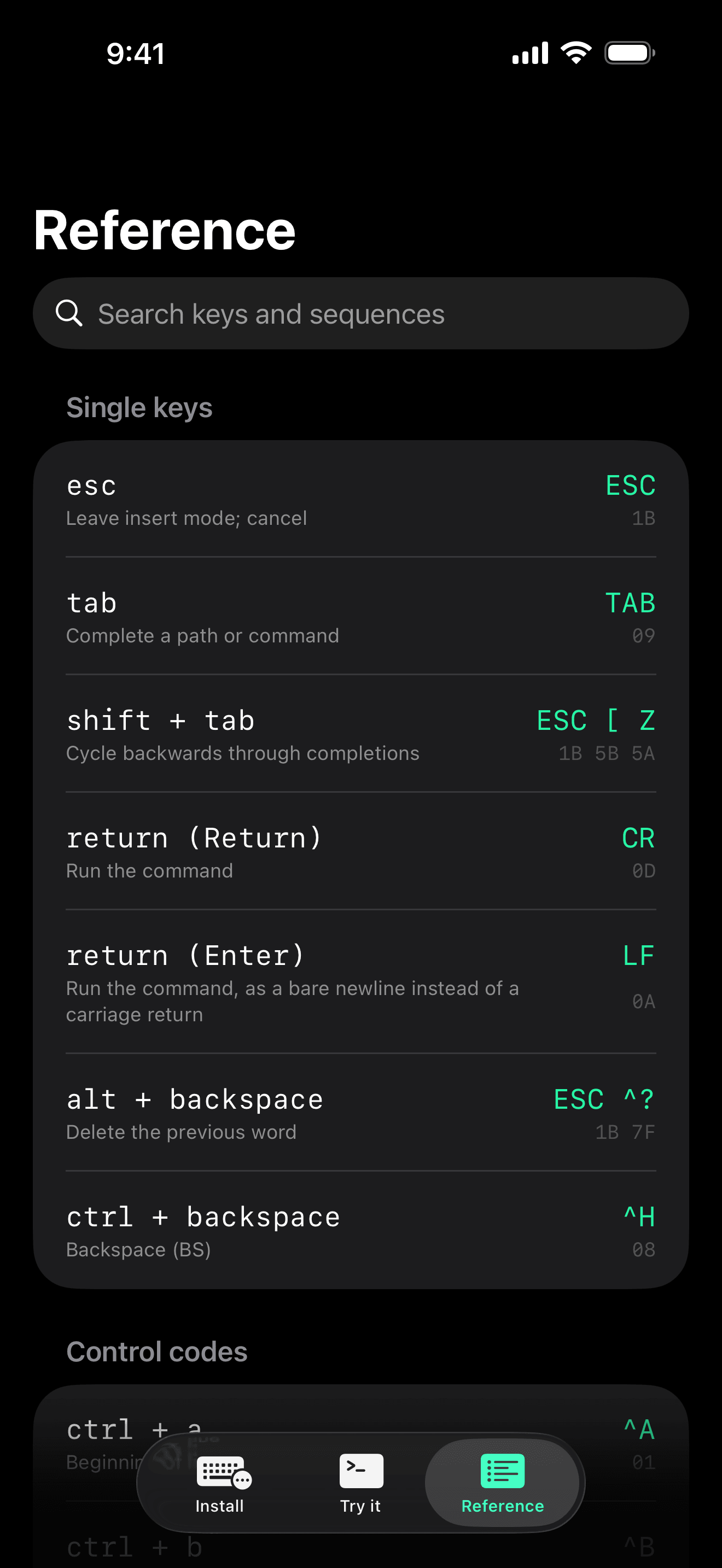
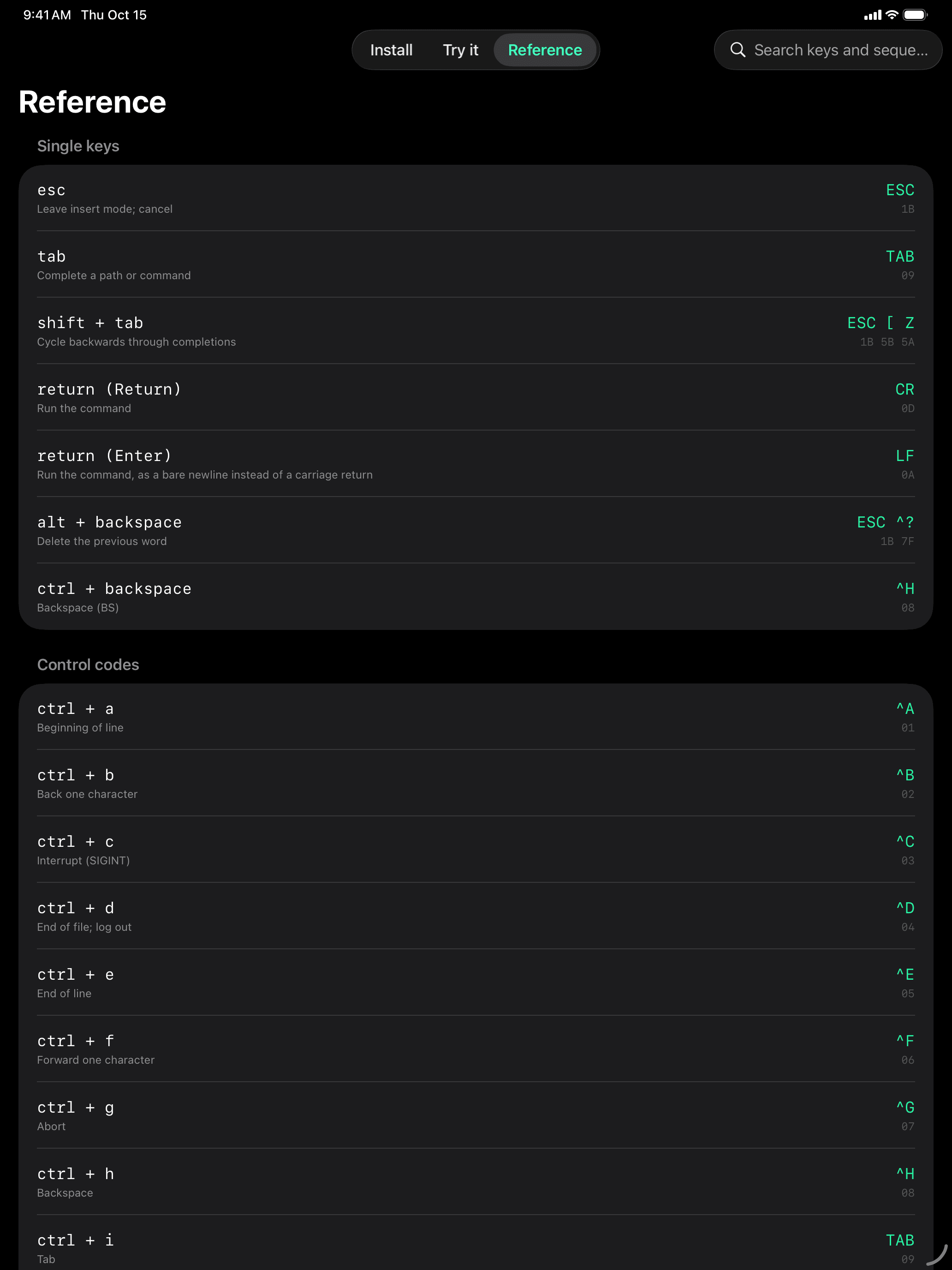
Searchable cheat sheet of every ANSI escape sequence the keyboard sends, with the hex bytes, inside the app.
Privacy by design
Never asks for Full Access. Shell Keyboard collects nothing and reads nothing. Read the privacy policy.
Need an SSH client to go with it?
Shell SSH is a real interactive terminal for iPhone and iPad by the same developer. It has a small key row of its own for esc, ctrl, tab and the arrows; Shell Keyboard covers the fuller set, and covers it in every other app too. The two are complementary; neither needs the other.
Gallery
iPad
What it does NOT do
Please read this before buying:
- Works in native terminal apps — Blink Shell, Termius, Prompt, a-Shell, iSH — and in ordinary text fields.
- Does not work with a terminal or editor running inside a web browser (code-server, Jupyter, ttyd, Wetty). A web page listening for keydown events will see nothing — an iOS keyboard extension can only insert text. No third-party iOS keyboard can do this — it's an iOS limitation, not a missing feature.
- In "move the cursor" mode, arrows move left and right only. Moving by a line would require reading the text around your cursor, which this keyboard deliberately never does.