

Palim
Write first. Save never.
A calm, local-first scratchpad for plain text, code and Markdown — on your iPhone, iPad, Android phone or tablet, and in Chrome. Open Palim and start typing. Notes save themselves as you type and are still there when you come back days later. There is no Save button, no files to manage, and no account. It feels closer to a code editor’s scratch buffer than to a notes app.
Requires iOS / iPadOS 16 or later, Android 7.0 or later, or Chrome 116 or later on desktop (Windows, macOS, Linux, ChromeOS).

How to open it
iPhone, iPad and Android
Tap the Palim icon. The first time, a Welcome guide opens to show you the basics.
Chrome
Click the Palim icon in the toolbar, or press Alt+Shift+P. Palim opens in its own tab, and clicking the icon again goes back to it.
Features
Write first, save never
Notes save as you type; nothing is lost to a forgotten save. (Chrome: Ctrl/Cmd+S saves at once.)
Many notes, zero filing
Titles come from each note’s first line, or rename them. Duplicate, delete with Undo, and the Trash keeps notes for 30 days.
Folders and pins
Folders nested as deep as you like, in your own order with drag and drop. Pin the notes you use every day to the top.
Search everything
Search every note at once, ignoring accents: “pho” finds “phở”.
Text, code, or Markdown
Plain Text, syntax highlighting for 18 languages, and Markdown with Edit, Split and Preview. Paste Markdown or code into a new note and Palim recognises it.
Markdown that renders
Tables, task lists you can tick right in the Preview, and highlighted code blocks. Sanitized, so nothing in a note can run.
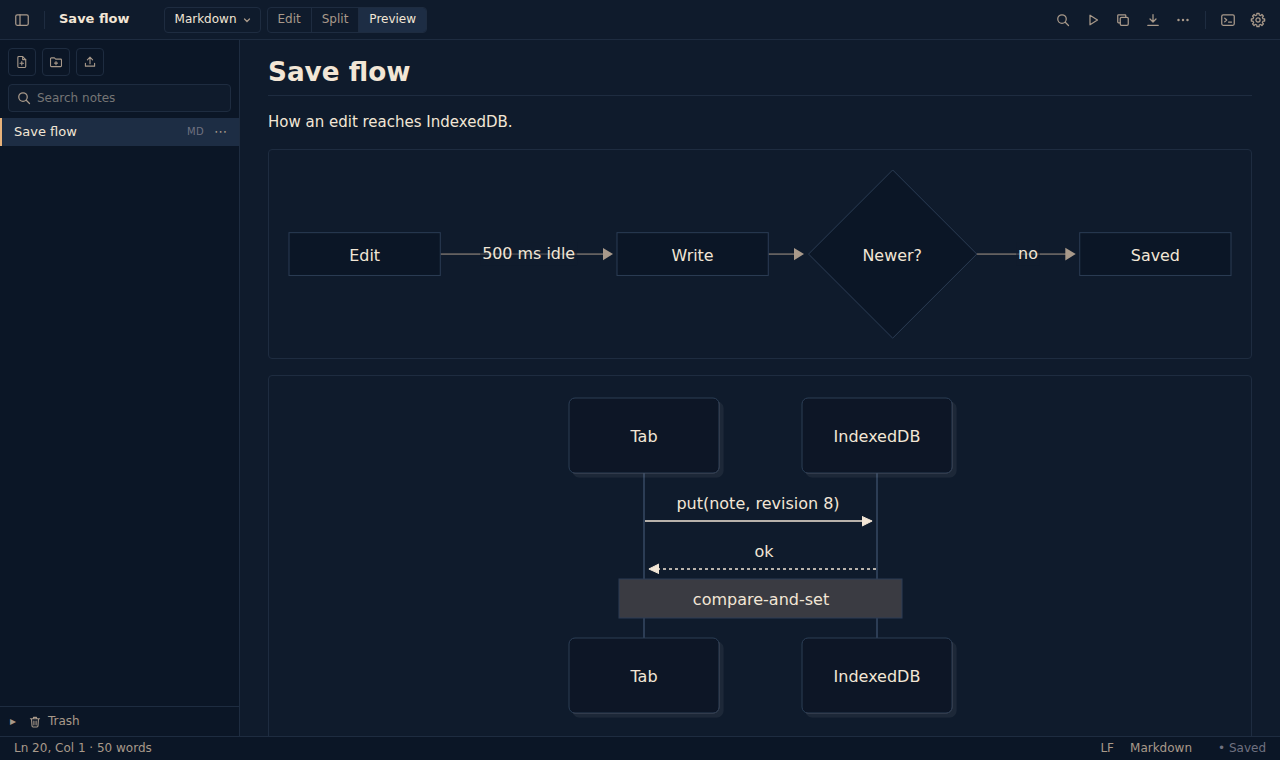
Diagrams from text
Mermaid flowcharts, sequence diagrams, Gantt and pie charts, mindmaps and more, drawn in your theme’s colors.
Present
Play a folder, or a single note, as slides. Every note is a slide, and a --- line in Markdown starts the next one. A toolbar lets you make the text bigger, widen the slides or switch their theme, then fades out of the way.
Made for touchApps
A keyboard bar with Undo, Tab, arrows and the symbols code and Markdown need, plus a key to hide the keyboard. Any orientation, phones and tablets.
Everything is findable
A calm toolbar, a Settings panel, a Command Palette that runs any action or jumps to any note, and a Keyboard Shortcuts list. (Chrome: Ctrl/Cmd+Shift+P.) A Welcome guide on first launch, reopened any time from Settings → Welcome & Tips.
Multiple cursors (Chrome)
Edit many places at once with the keys you know from VS Code: Ctrl/Cmd+D, Ctrl/Cmd+Shift+L, Alt+click and column select. Also on tablets with a keyboard.
Six themes and adjustable text size
System, Light, Dark, Sepia, Snow and Graphite.
Open, import, export
Open text, code, Markdown, JSON and ZIP files in Palim from Files, Drive, Mail or any app (Open With or Share); the original is never changed. Open text files as notes, and export any note as a file with the right extension. Export All Notes saves every note into one ZIP file, in folders like your own, and importing that ZIP brings them back. (Apps: share a note from the share sheet.)
Your notes come with youApps
Notes and settings are part of your own iCloud Backup (iPhone, iPad) or Google Backup (Android), so restoring your device or setting up a new one brings them back.
Private by design
Works offline. No account, no server, no ads, no in-app purchases, no analytics, no tracking. (Chrome: it doesn’t read the websites you visit.) Read the privacy policy.
The same on every platform unless marked. The 18 highlighted languages: JavaScript, TypeScript, HTML, CSS, JSON, Python, Java, Kotlin, Swift, C, C++, C#, Go, Rust, Shell, SQL, YAML and XML.
Gallery


Chrome


What it does NOT do
Please read this before installing:
- No sync between devices, for now. Your notes stay on the device where you write them. To move notes to another device, or between Chrome and the apps, use Export All Notes (in Settings) and import the ZIP on the other side.
- Removing Palim deletes its notes. Chrome deletes an extension’s data when you remove it. On iPhone and iPad, deleting the app deletes its notes; they come back only with a full device restore from iCloud Backup. On Android, reinstalling may bring back the last backup. Export anything you want to keep first.